Arriving at an event venue is all the more pleasant when you can immediately enjoy a free Wi-Fi connection. It’s even better when you don’t even have to enter a password. The only question is who is responsible for these amenities. Did the organizers try to make the stay as comfortable as possible for the attendees? Or is there someone behind it who wasn't involved in the planning at all and is instead targeting the visitors' personal data?
There is no question that large events are popular with hackers. There are few other places where it is so easy to obtain so much data with so little effort. Attendees looking for internet access unwittingly help them do it.
Cheap tricks
If these fraudulent networks seem harmless, it is mainly because they appear more trustworthy from the outside than the actual conference Wi-Fi. It makes a big difference whether a network appears in the list of available connections as "WLAN-78FKE128H" or as "Official_Congress2017". Many of the fake hotspots also have "Free" in their name, which makes them particularly appealing. Sometimes the name of a sponsor even appears in the title. The effect is the same: the majority of users assume it is nothing more than a nice gesture from the organizer. After all, it makes it possible to read emails or share a video you just recorded with your Twitter followers immediately.
Because so few people question this, it suggests that many people ignore all security concerns as soon as free Wi-Fi is available somewhere. Often, the question of an internet connection is the first thing conference attendees ask upon arrival. This is simply because it has long since become a habit to always have a hotspot nearby, even in public places. Free Wi-Fi is standard at many train stations or airports, although usually only for a limited time. Anyone who needs it for longer has to book a paid package. If no such notice appears at the conference after connecting, it is an additional reason to happily use the networks.
The IT security company Avast discovered that this is indeed the case in several experiments. The company set up targeted fake hotspots both at the Barcelona airport, where interested parties could register for the Mobile World Congress 2016 taking place a few days later, and at the US Republican National Convention in July. Both times, the networks had names that either had a direct connection to the event or were at least intended to appear legitimate. Several thousand people saw no reason to doubt the authenticity of networks with names like "I VOTE TRUMP! FREE INTERNET" or "Google Starbucks." Avast was then able to easily identify which operating system was running on the users' devices and which services and apps were being used. In more than half of the cases, it was even possible to determine the user's identity.
Beyond such experiments, this can now even be observed on a large scale. For example, at the 2016 Olympic Games in Rio, when fake hotspots were distributed throughout the city.
Why are fake hotspots so dangerous?
Since the attacker is positioned exactly in the middle between the Wi-Fi user and the websites being accessed ("man-in-the-middle attack"), they can freely view all transmitted information. Public networks are popular with hackers not least because they promise quick access to the personal data of all users. Private networks are comparatively unattractive, as they are usually only used by a few people.
A lot can be done with the data obtained in this way. As soon as the attacker is in possession of the transmitted passwords, they can access secured accounts and, for example, empty a bank account or take over the user's online identity. It also cannot be ruled out that hackers could use this method to gain access to the conference attendees' devices in order to infect them with malware or access personal documents. Sensitive data known only to a company's employees can thus also become visible to others.
What can organizers do?
The least expensive solution for the organizer would be to offer no conference Wi-Fi at all. However, this could cause resentment among attendees, and not entirely without reason, as most of them likely expect to find an internet connection on-site. Furthermore, scammers would then have an especially easy time setting up a supposedly official hotspot.
Then there is the possibility of letting the attendees handle it themselves. With the help of tethering, visitors set up their own hotspots via their mobile internet connection and share them with multiple devices. While this is not much safer, it is no longer the organizer's responsibility. Hotspots can be set up quickly this way, but it remains questionable whether anyone will actually use tethering in the end. Most mobile phone contracts do not include unlimited data, and visitors from abroad are advised against it for roaming charges alone.
The best approach would therefore be to raise awareness of the problem in good time. Point out potential fraudulent intentions on the event website during the registration phase. Ask attendees to use only the official connection.
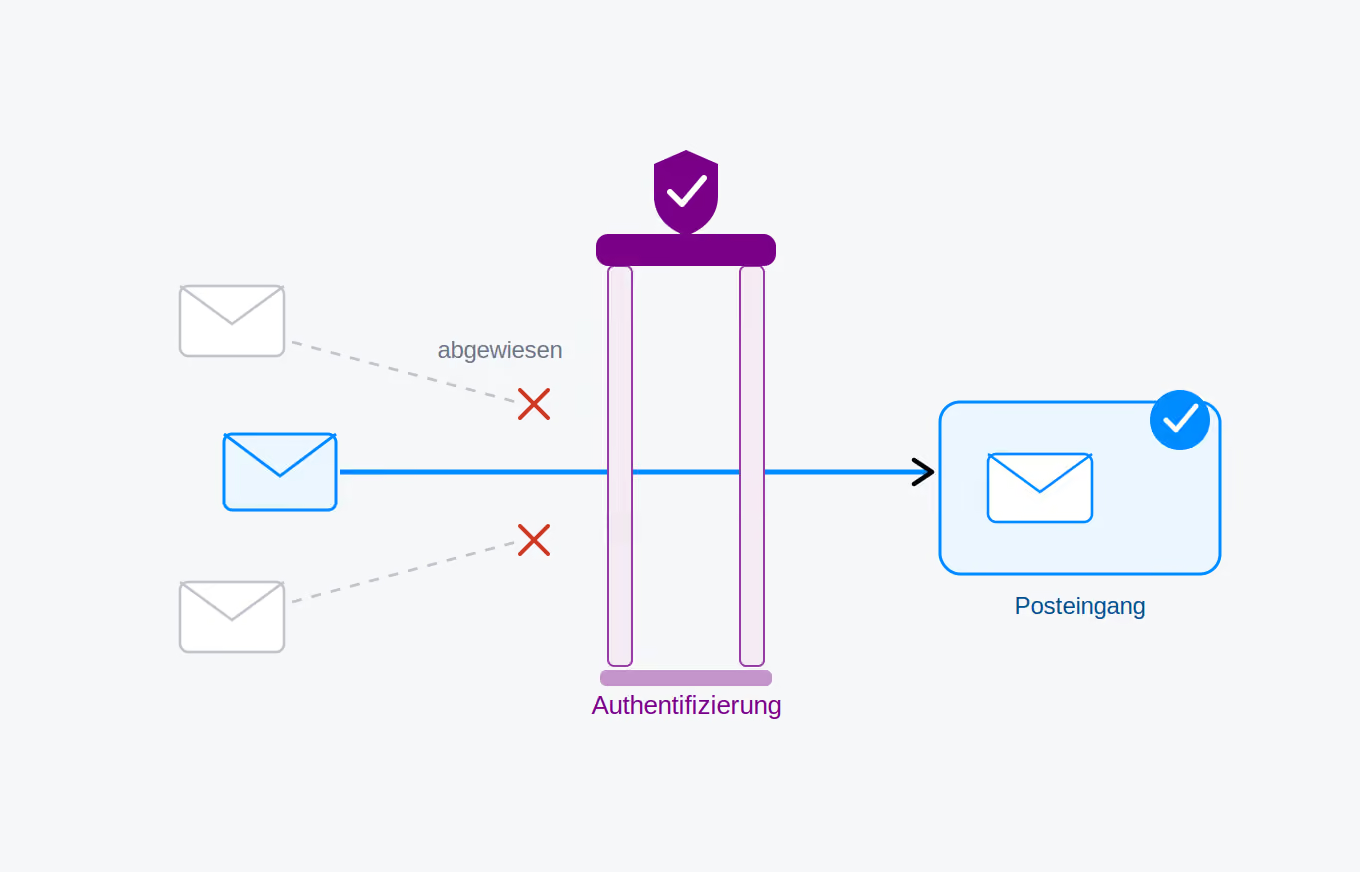
An advanced method is also to secure the Wi-Fi using WPA-Enterprise and RADIUS. If a user wants to connect to the network, a username and password are required. The access data is then forwarded to a RADIUS server, which answers the authentication request and decides whether a visitor is granted access to the network. Secure data transmission is possible even if all user-password combinations are allowed, because the hotspot allows for individual encryption per user. Man-in-the-middle attacks are thus made much more difficult.
How can conference attendees protect themselves?
You can do something for your own protection in advance. For example, it is helpful to generally not save any new Wi-Fi connections. While your smartphone can remember access for your home or workplace network, it should never be allowed to connect automatically to other, less frequently used Wi-Fi networks. The automatic synchronization of apps and less frequently used email accounts should also be disabled. When visiting websites, the green security padlock in the browser's address bar is essential; otherwise, the connection is not secure. The HTTPS Everywhere extension handles this automatically.
As long as you are connected to a fake hotspot, everything you enter can later be used against you. Therefore, it is best to avoid online banking or credit card transactions on-site. Entering passwords should also be viewed critically as long as it is not clearly established that the official conference Wi-Fi is being used. For email accounts and social networks, two-factor authentication also helps. This ensures that only the account holder can access their account, as in addition to the password, a security code is required, which is either sent via SMS or generated using an app.
While they are not a cure-all, antivirus software and firewalls should be standard on all laptops and smartphones.
Even better protection is offered by VPN clients, which allow users to operate within a virtual private network. The application hides the device's IP address and ensures an encrypted connection. This makes things difficult for attackers. If they want to access the data, they would first have to find a way to break the encryption. While sometimes possible, this is extremely time-consuming. You don't need to be tech-savvy to use a VPN at a conference. There are now numerous clients available that are easy to install on any device. In addition to paid applications, there are also powerful free alternatives with unlimited data, such as Opera VPN or Turbo VPN.