

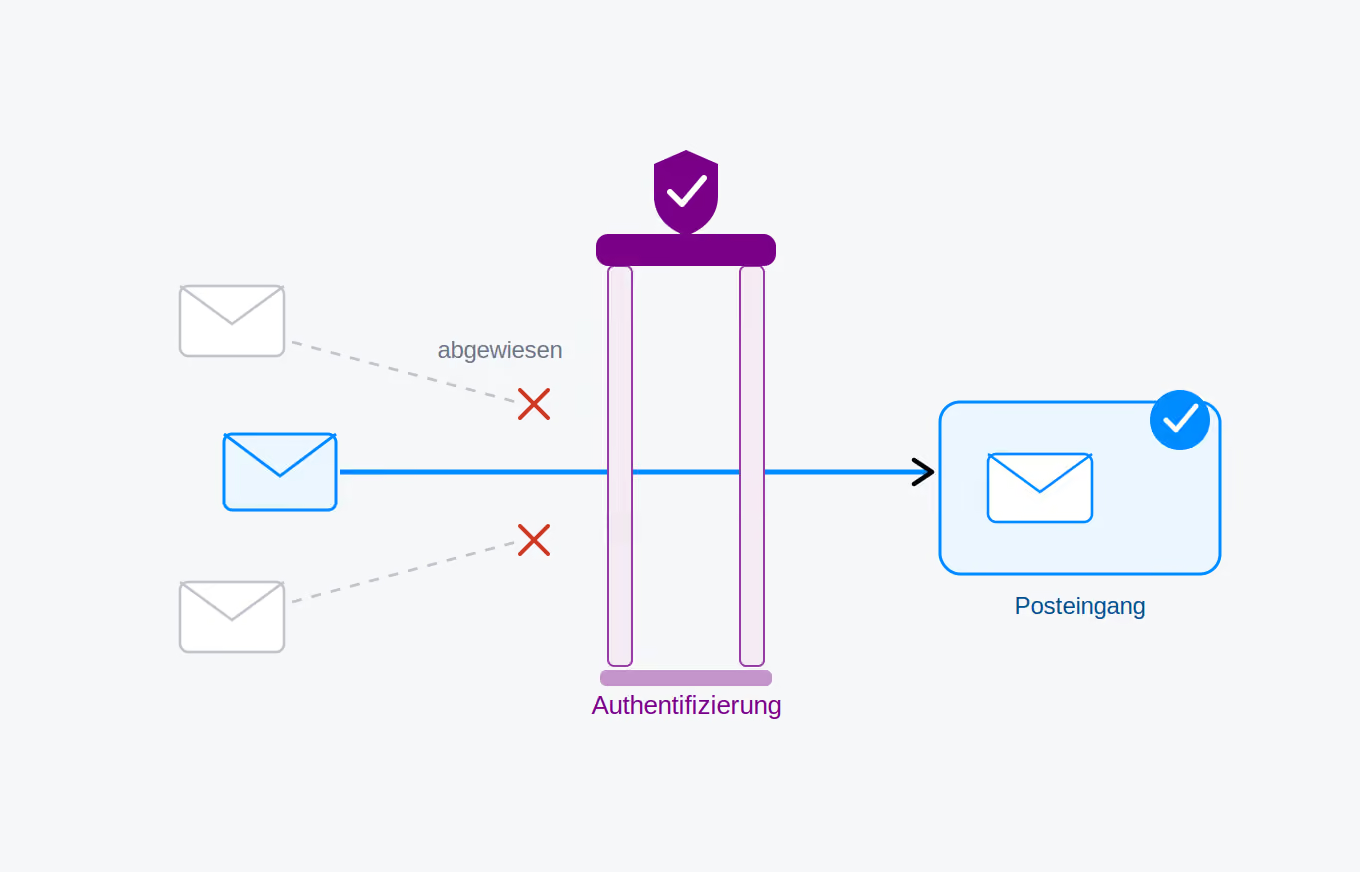
Emails are a core component of conference organization. Converia handles confirmations, invitations, reminders, invoices, and countless status updates – much of this fully automatically and in large volumes. To ensure these messages reliably reach the recipients' inboxes, we must adhere to rules that have become significantly stricter in recent years.
Email servers worldwide are being configured with increasing stringency. Providers like Google, Microsoft, and GMX are fighting spam and abuse, and now verify very carefully whether an incoming email actually originates from the stated sender. Messages that fail these checks end up in the spam folder – or are rejected entirely. For automated emails sent from a system like Converia, this is a risk we are actively addressing.
Raising our security standards
We are therefore moving email delivery for our Express customers to a new sending environment. In the future, emails will be sent via a dedicated SMTP server. Crucially, emails are only transmitted to this server via authentication. This prevents anyone from injecting messages into our infrastructure unnoticed – an important step in protecting the reputation of our sending domains and keeping your delivery rates consistently high.
The basic setup: reliable out of the box
To ensure this protection applies to everyone, every customer in the new sending environment will receive a dedicated sender address with a Converia domain. On our Express installation, this address follows this format:
conferencecode@express.converia.de
We will set this address as the sender for all automatically generated emails. Because the delivery originates technically and cleanly from our own secure mail server, it is optimized for the highest possible success rate from the start – with no setup required on your end.
To ensure that communication with your participants still reaches you, we will automatically forward all replies and incoming messages sent to this address to you. The process remains unchanged for your recipients – they reply as usual, and the message reaches you.
Optional: Sending via your own domain
Some organizations prefer their emails to appear as if they are coming from their own domain – for example, info@your-organization.de instead of a Converia address. This remains possible, but will require a small, one-time configuration in your domain's DNS settings. This allows you to explicitly authorize our new mail server to send emails on behalf of your organization.
Specifically, the following SPF record is required for your domain: TXT v=spf1 include:spf.converia.de -all
An important practical note: If an SPF record already exists for your domain, do not add a second one. A domain may only have a single SPF record. In this case, simply add the following component to your existing record: include:spf.converia.de at the appropriate place in your existing record. If you are unsure, we are happy to assist you – to ensure everything fits together perfectly in the end.
What this means for you
We will handle the basic setup for you, so there is nothing you need to do. If you would like to send emails via your own domain, please get in touch with us – we will provide you with the exact DNS records and guide you through the setup process. This way, we can ensure together that your messages continue to arrive reliably where they belong: in the inbox.