Give every team member exactly the permissions they need.
Converia includes a permissions system for professional conferences. You define user groups and control which modules and conferences are visible or editable for each group.
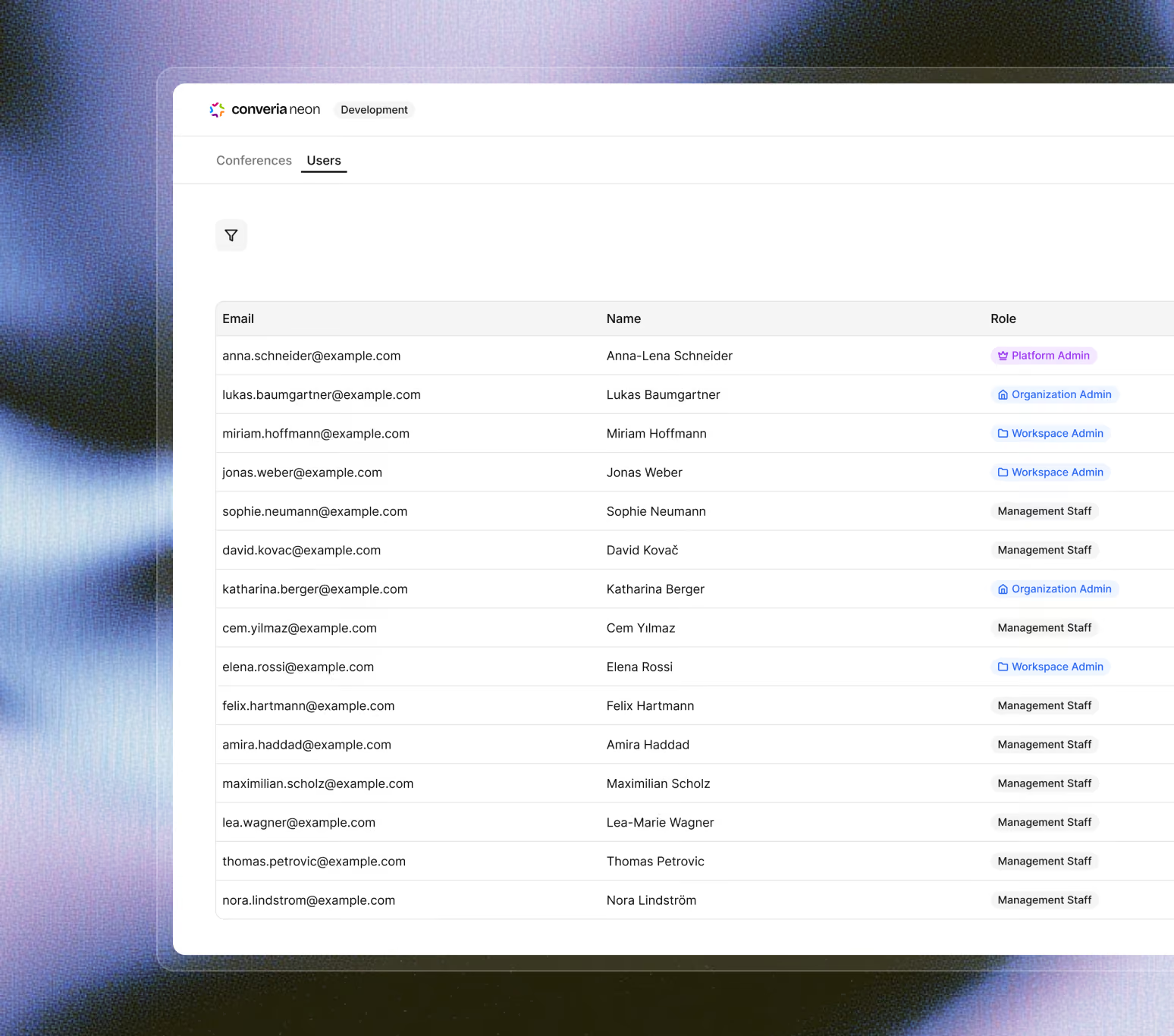
Anyone working in conference operations is familiar with the question of "who is allowed to do what."
Anyone managing multiple events is familiar with these situations:
Reviewers see more than they need to
Reviewers should only evaluate assigned submissions. However, in shared spreadsheets or separate tools, they can easily see other people's evaluations, participant lists, or invoices—areas that are irrelevant to their task.
Committees need limited access
Volunteer committees often work only once a year and need insight into their specific area. Full software access grants them more permissions than are necessary for review or program planning.
Administrative offices need the big picture
The administrative office coordinates the program, registration, payments, and communication. They need a complete overview, while volunteer committees and reviewers should only see and work on their specific tasks within the same system.
When these roles are spread across multiple tools, managing permissions becomes a manual chore. This is exactly where Converia’s role-based logic comes in.
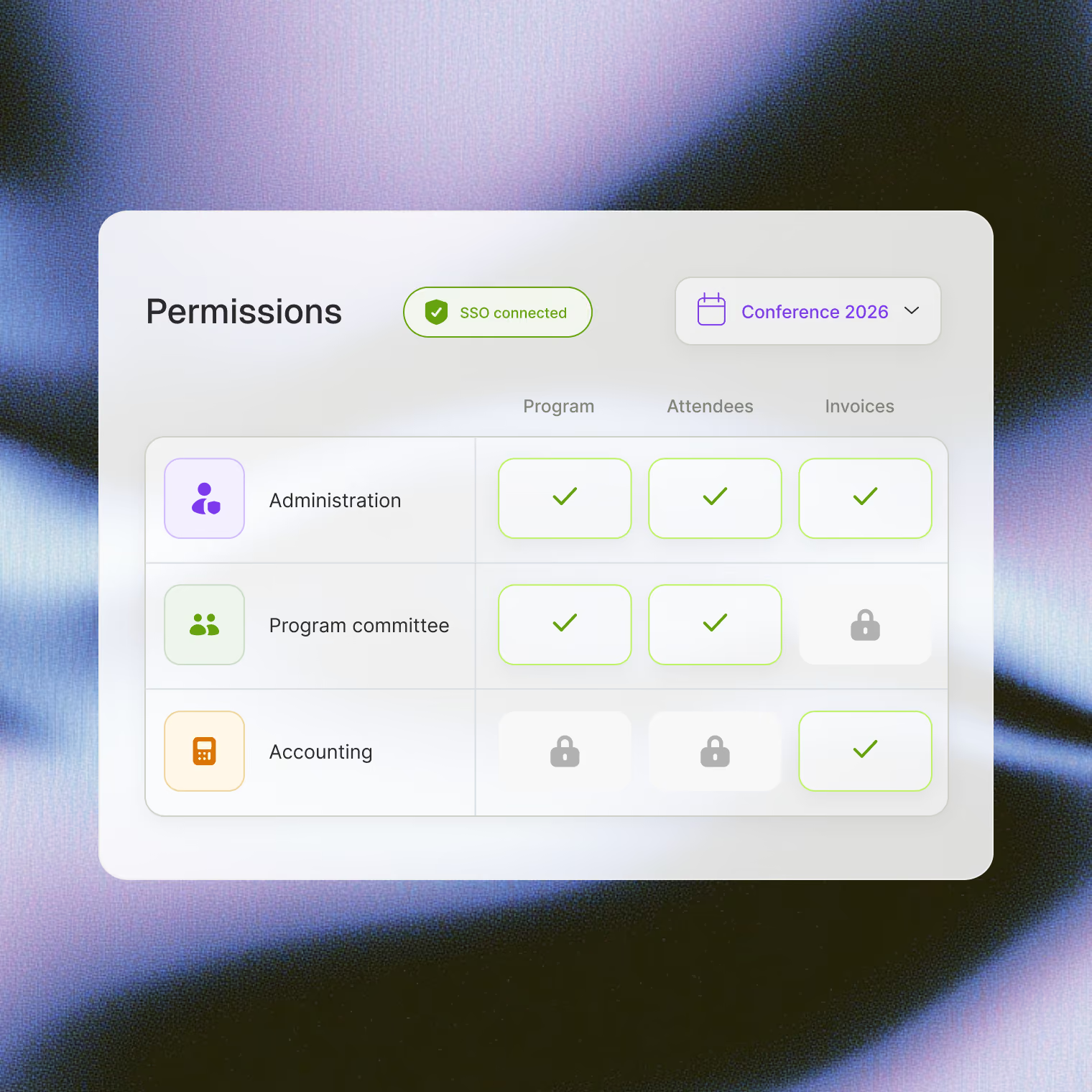
Manage access via groups, modules, and conferences.
Converia includes standard groups and allows you to create custom user groups with individual permissions. This lets you determine who can view or edit specific modules and conferences – without the need for manual separation in shared tables.
Custom user groups
Supplement the included standard groups with your own user groups, featuring specific access rights for different roles and tasks.
Permissions per module
Control which modules groups can see. Program committees get access to reviews and the program, but not to participants or invoices.
Access per conference
Assign permissions separately for each conference – ideal for teams managing multiple clients or events simultaneously.
Use existing accounts
Authenticate backend users via LDAP or Shibboleth SSO directly using existing university and employee accounts.
See how user groups and module permissions map your conference operations in an online demo.