Award CME points reliably based on verified attendance.

For medical training, actual attendance counts, not just booking. Converia links CME points for sessions or half-day conferences with check-in and certificates of attendance. This ensures that certificates only reflect points earned through verified attendance.

Schedule a consultation
Request a demo
Request a demo
Award CME points reliably based on verified attendance

Registration is not proof. Attendance is.

If you organize medical training events, you know these situations:

Which session offers which credits?

Different continuing education credits apply to individual sessions. The credits shown on your certificate depend on your actual attendance. If the program, credits, and attendance records are separate, you will need to consolidate them manually.

Attendance over mere registration

Many people register, but fewer actually attend. For continuing education credits, it is not the booking that counts, but verified participation in the respective session. Without accurate attendance tracking, the essential proof is missing.

The certificate must be accurate

After the training, participants expect a certificate with the correct number of points. If questions arise, every instance of attendance must be traceable. When names, sessions, and points are transferred manually, it results in certificates that are difficult to verify.

Every time data is transferred between the program, attendance records, and certification, something gets lost or requires manual reconciliation.
‍
This is exactly where Converia comes in.

A person database that links points, attendance, and certification

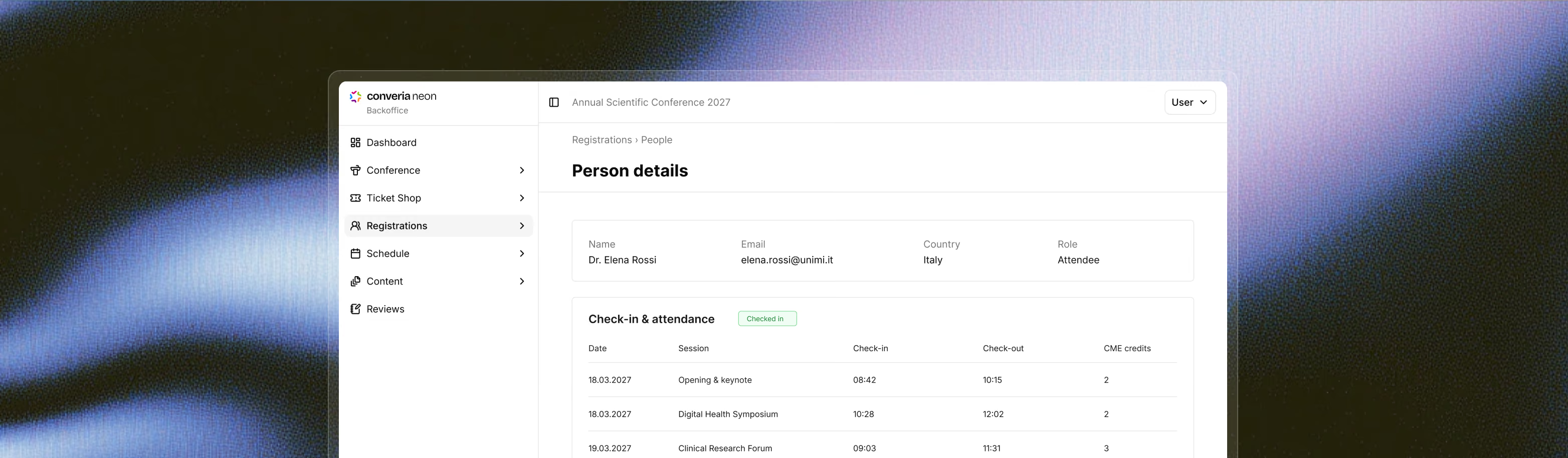
In many conference teams, point allocation, attendance, and certification are handled in separate files. This is exactly where manual consolidation and certification issues arise, making it difficult to verify information when questions come up. In Converia, each participant is a single data record with their rate, role, and logged attendance—CME points are attached directly to the session, not to a separate list.
A person database that links points, attendance, and certification

Use this person and program database to manage:

Assign CME points to each session in the program
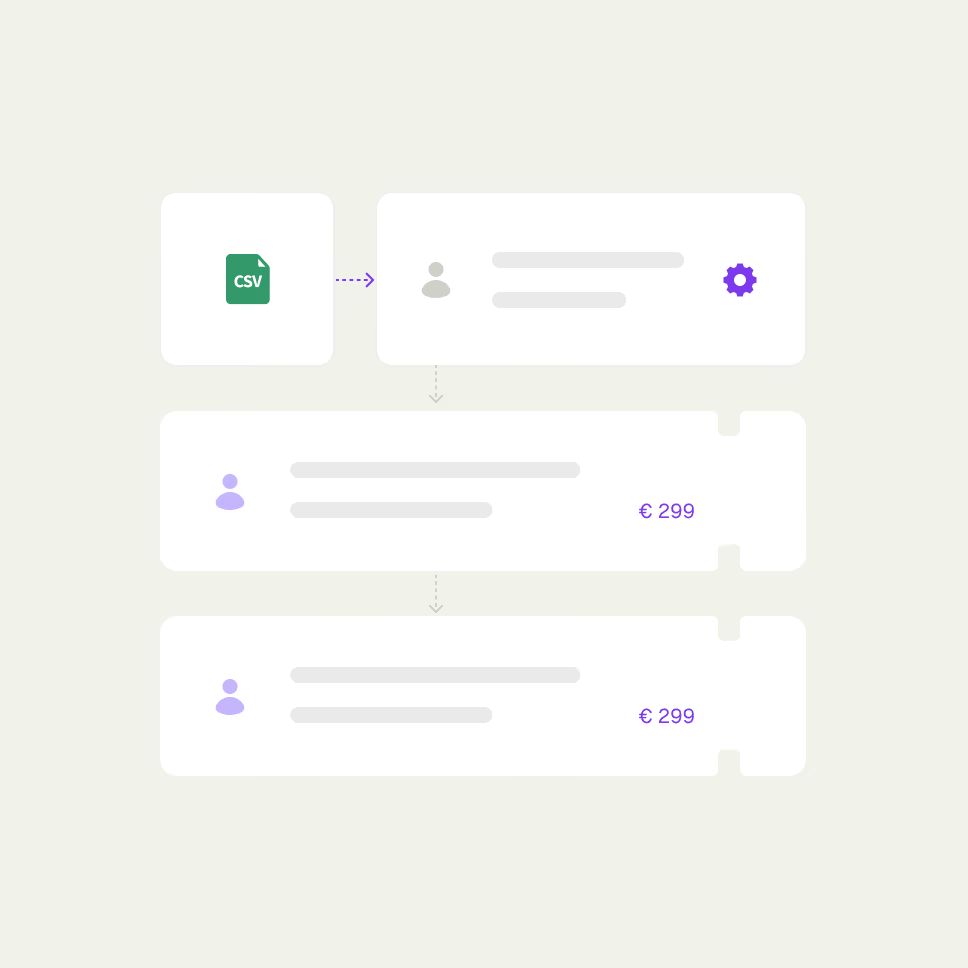
Set up registration with member rates and price groups requiring verification
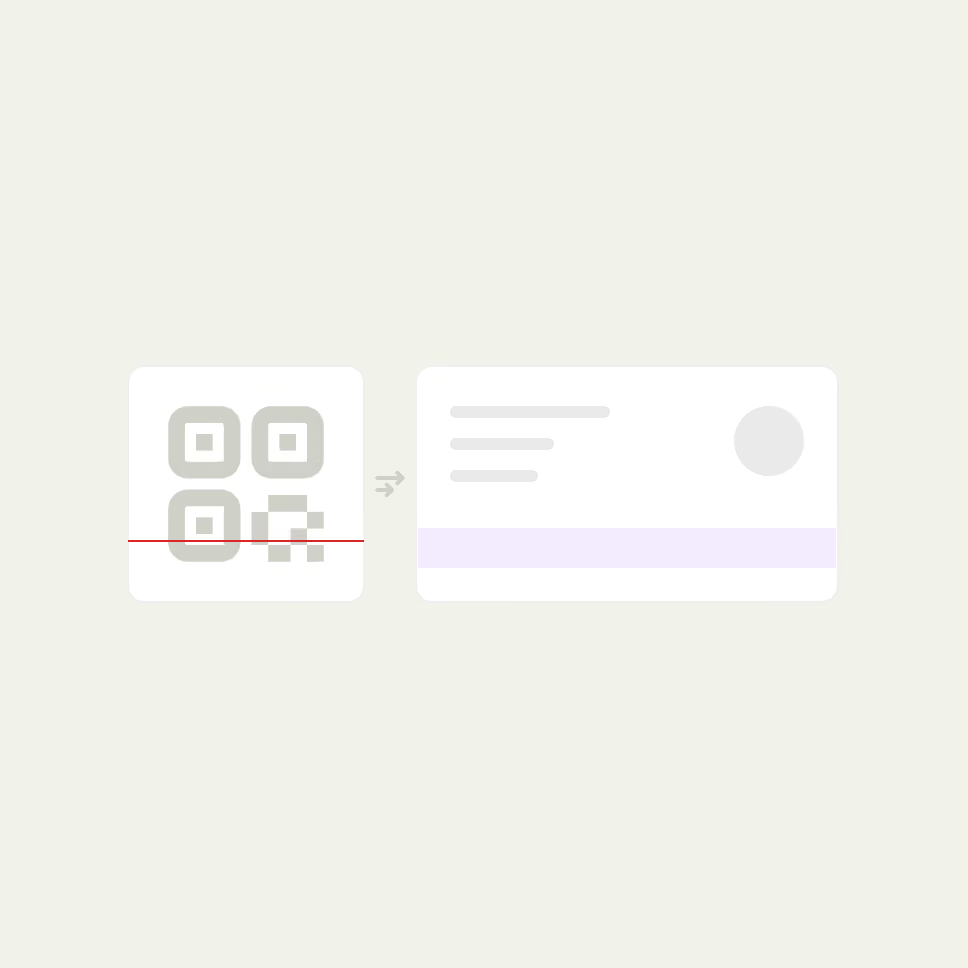
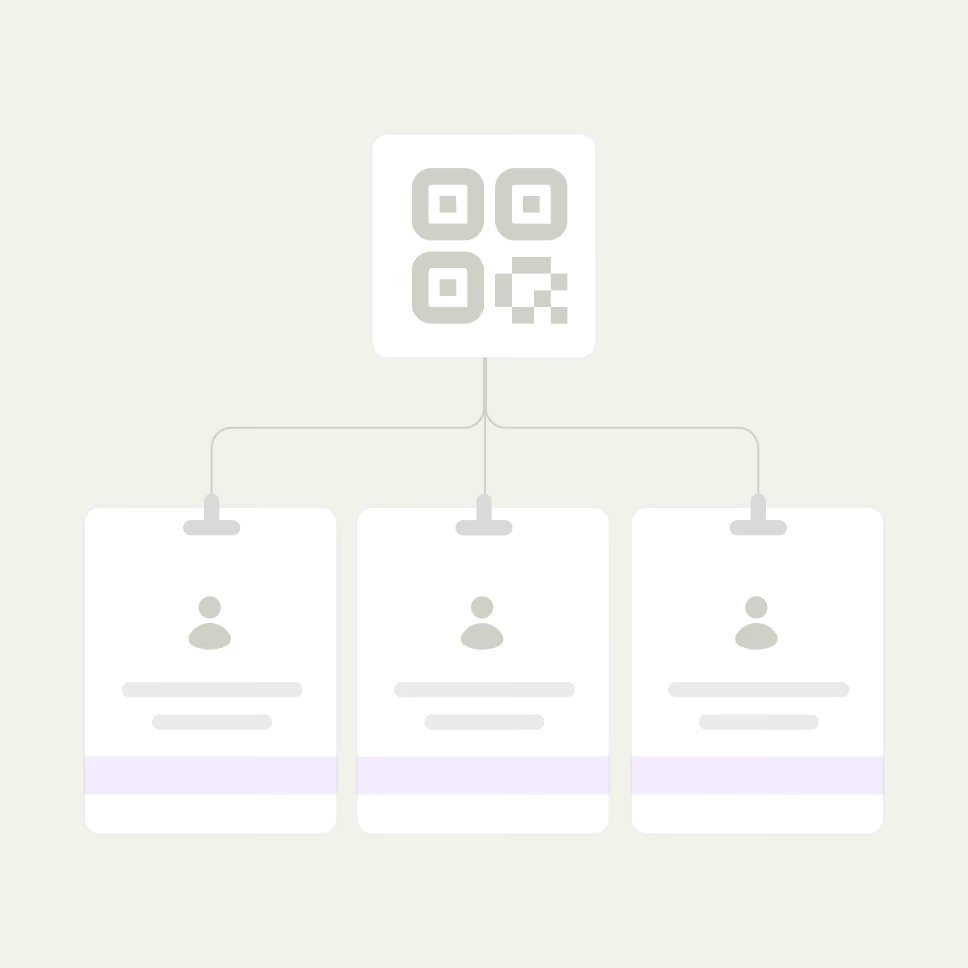
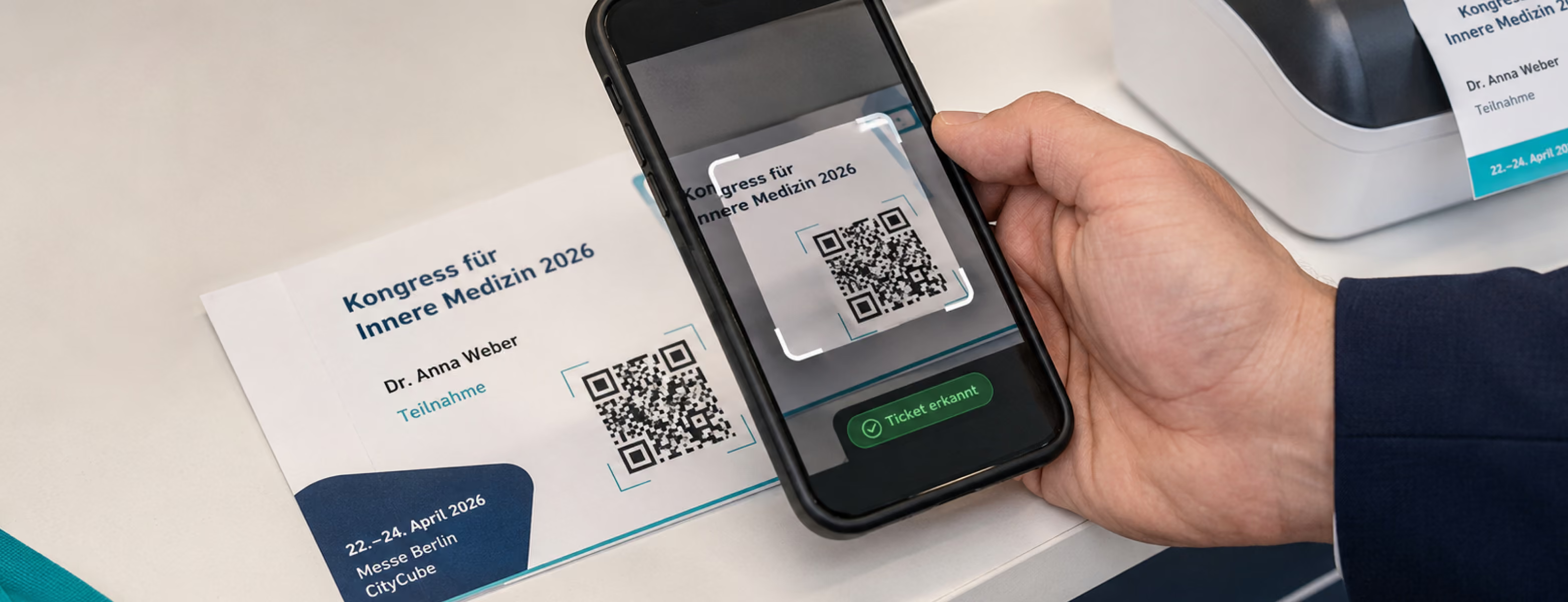
Log attendance at check-in – via barcode or QR code scan, by day or by session
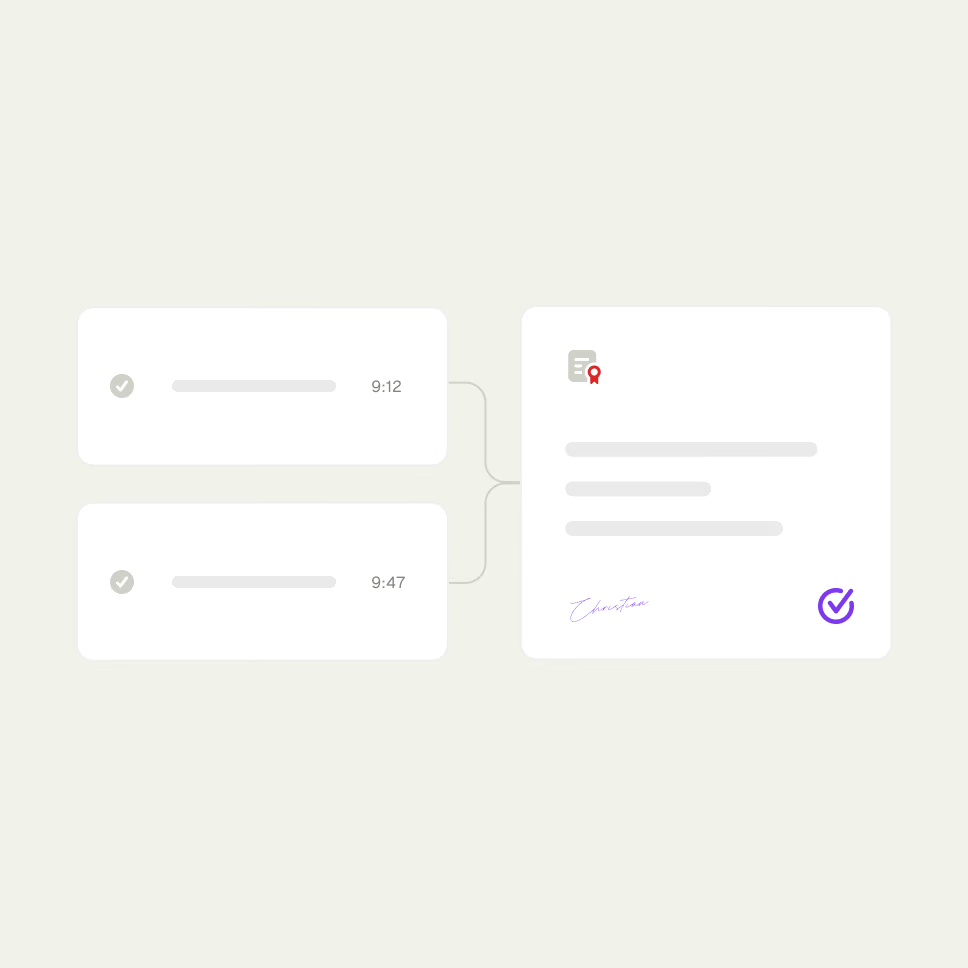
Issue PDF certificates of attendance based on logged check-ins
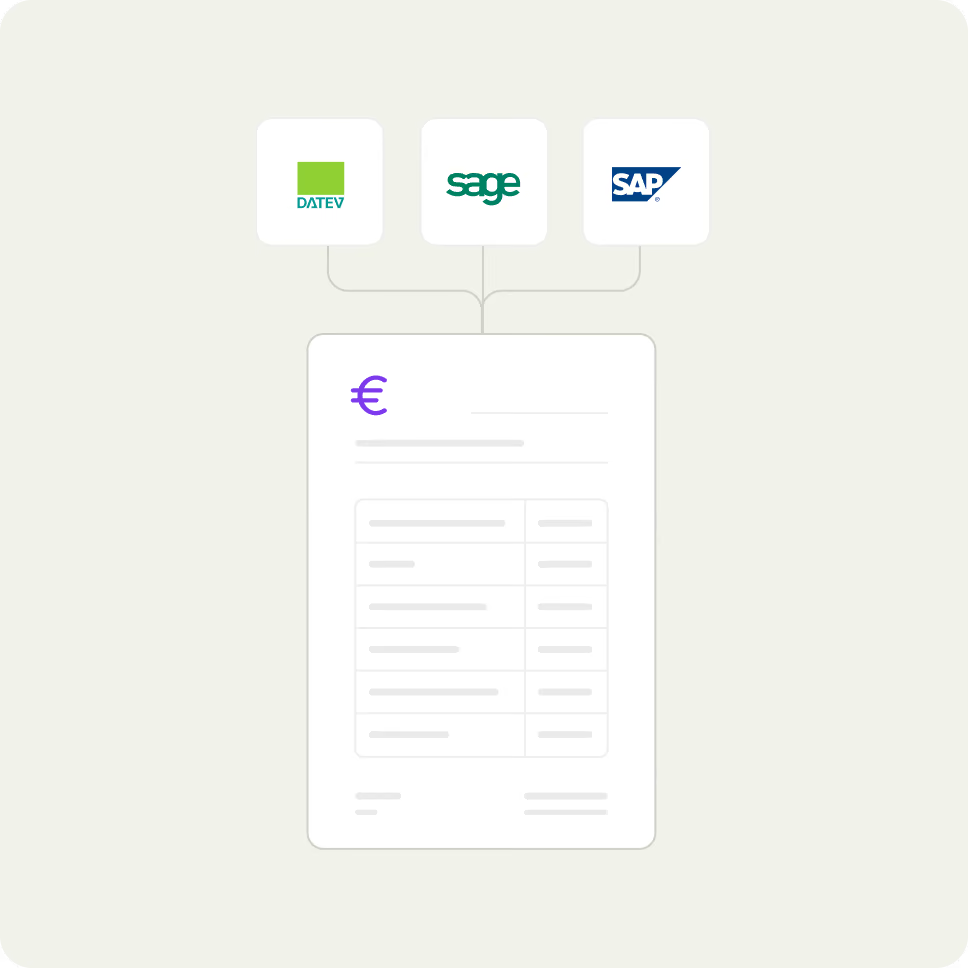
Create VAT-compliant invoices and send the billing export to accounting
Reach participants using email templates from the same database
Schedule a consultation
Request a demo
Request a demo

From the session with CME details and attendance tracking to the final certificate.

For medical training events, three things are more closely linked than in any other context: the CME credit value of a session, verified attendance, and the final certificate. When this data is stored in separate tools, generating proof of credits becomes a tedious manual task—and is difficult to substantiate during an audit.

In Converia, these steps all run through the same person and program database:

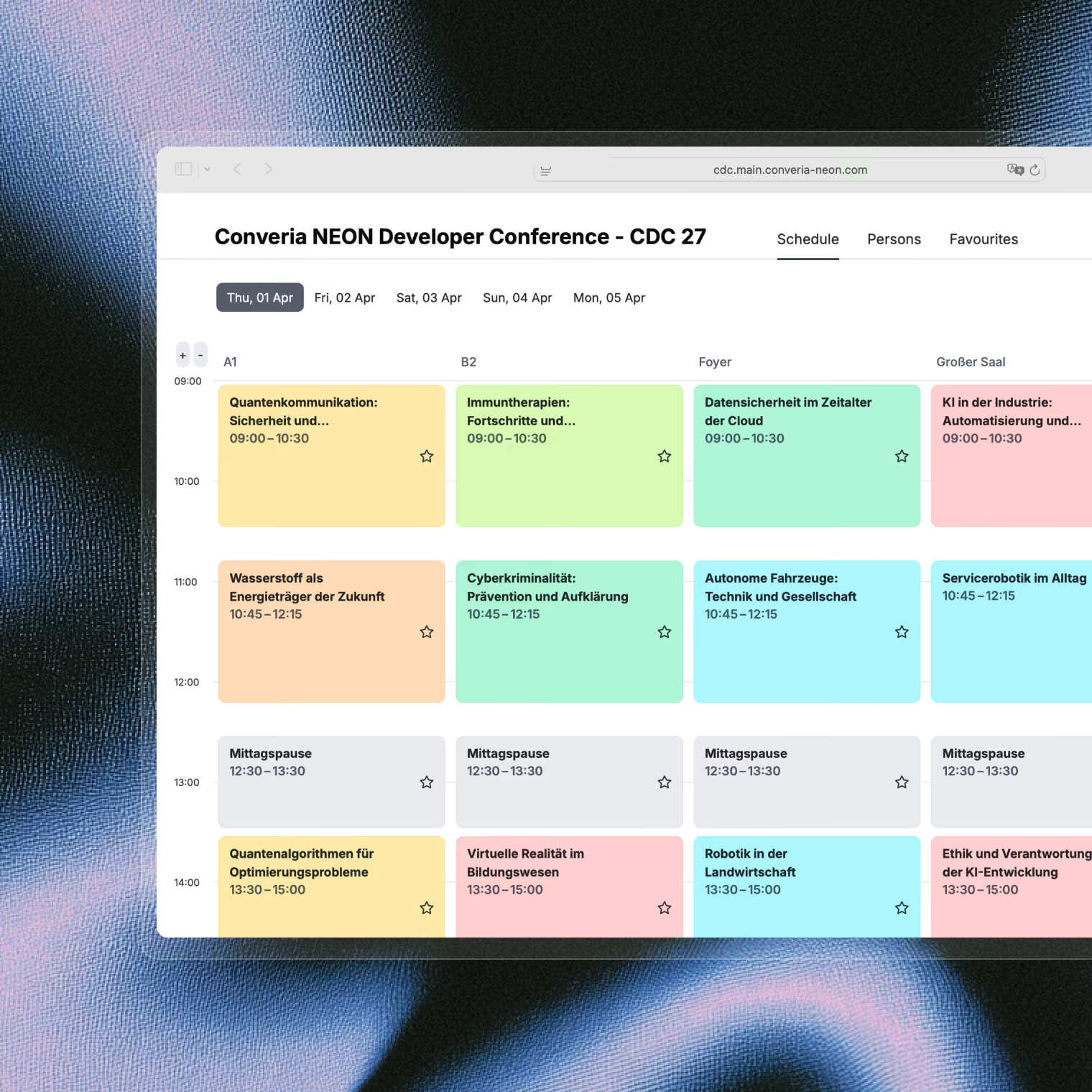
The session displays its CME credits directly in the program, alongside the track, room, and time.
Session
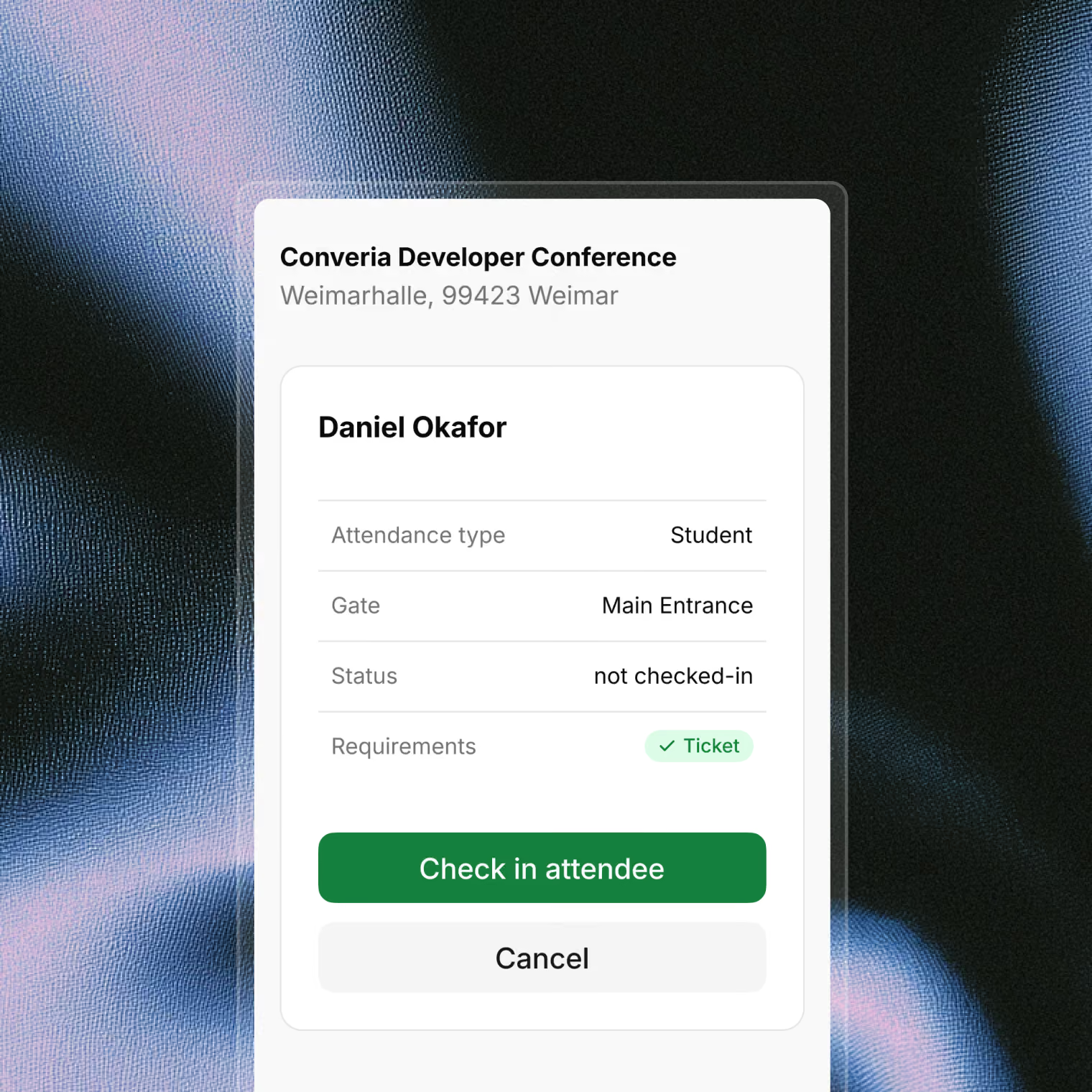
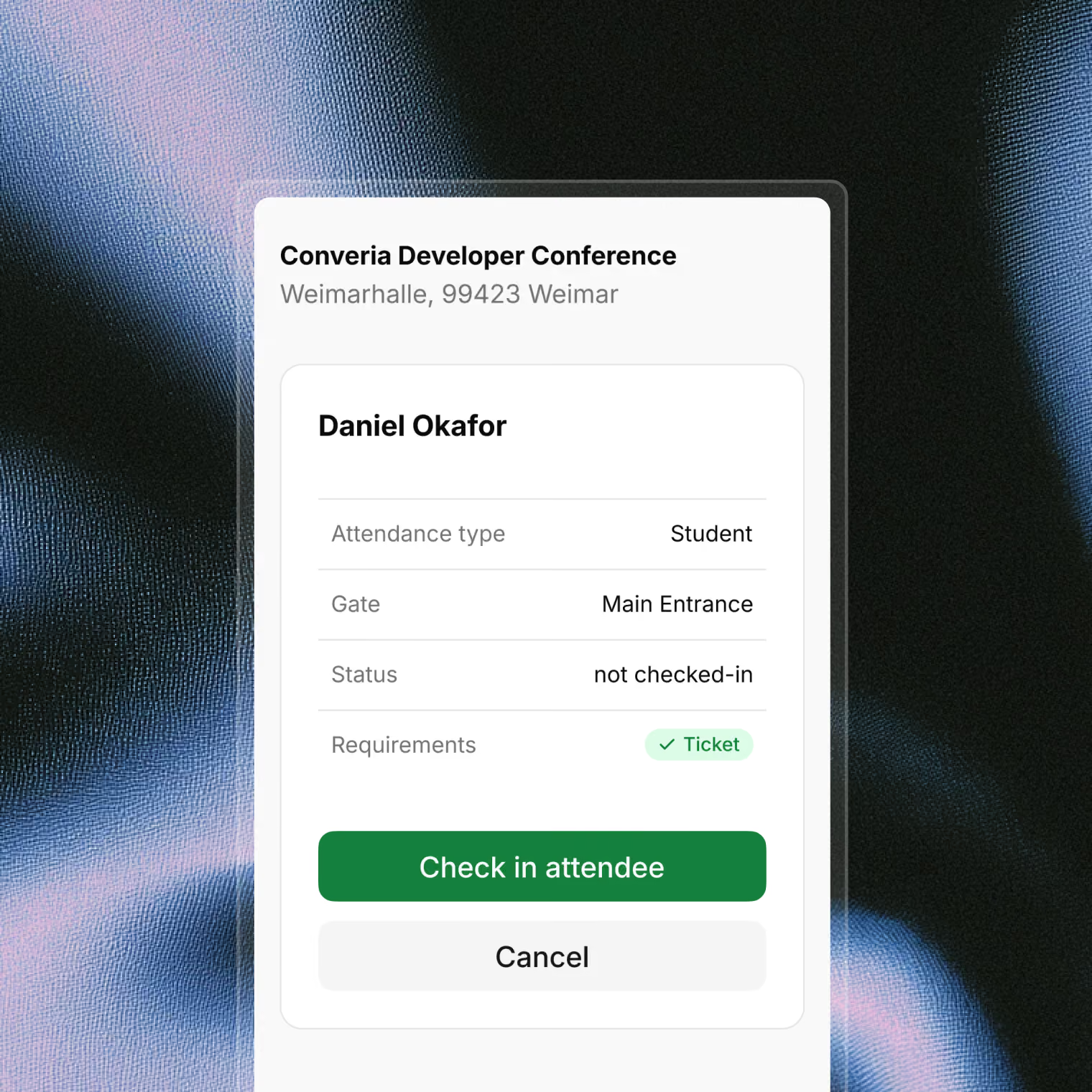
The check-in system logs attendance via barcode or QR code scan, by session and by day—and is suitable for CME billing.
Check-in
The certificate of attendance is generated as a PDF, with its content derived from the logged check-ins.
Certificate

Everything that is logged serves as proof. The credits are stored within the same data record as the session—not in a separate list that has to be reconciled with the program after the event.

Schedule a consultation
Request a demo
Request a demo
Ein Support, der Ihre
Konferenz kennt

What Converia covers for CME training

From the program to proof of credits, Converia manages medical continuing education through a single data set:
CME credits per session

CME credits per session

Assign continuing education credits directly to the session in the program—alongside the track, room, and time—rather than in a separate list.
Check-in attendance

Check-in attendance

Log attendance for each session via barcode or QR code scan – by day and by session. The check-in process is suitable for CME accreditation.
Automated certificates

Automated certificates

Issue PDF certificates of attendance based on logged check-ins, rather than manually maintained templates.
Member rates and verification

Member rates and verification

Set up special rates for organization members and tariffs requiring proof, such as student discounts, with a document upload feature. Import member data via CSV.
Name badges and self-service

Name badges and self-service

Print name badges using custom templates for attendees and speakers. For larger events, the self-service check-in complements your reception desk.
Invoicing and billing export

Invoicing and billing export

Create VAT-compliant invoices and transfer invoice data to your accounting department via the billing export – with existing interfaces to DATEV, Sage, and SAP.
Analysis and export

Analysis and export

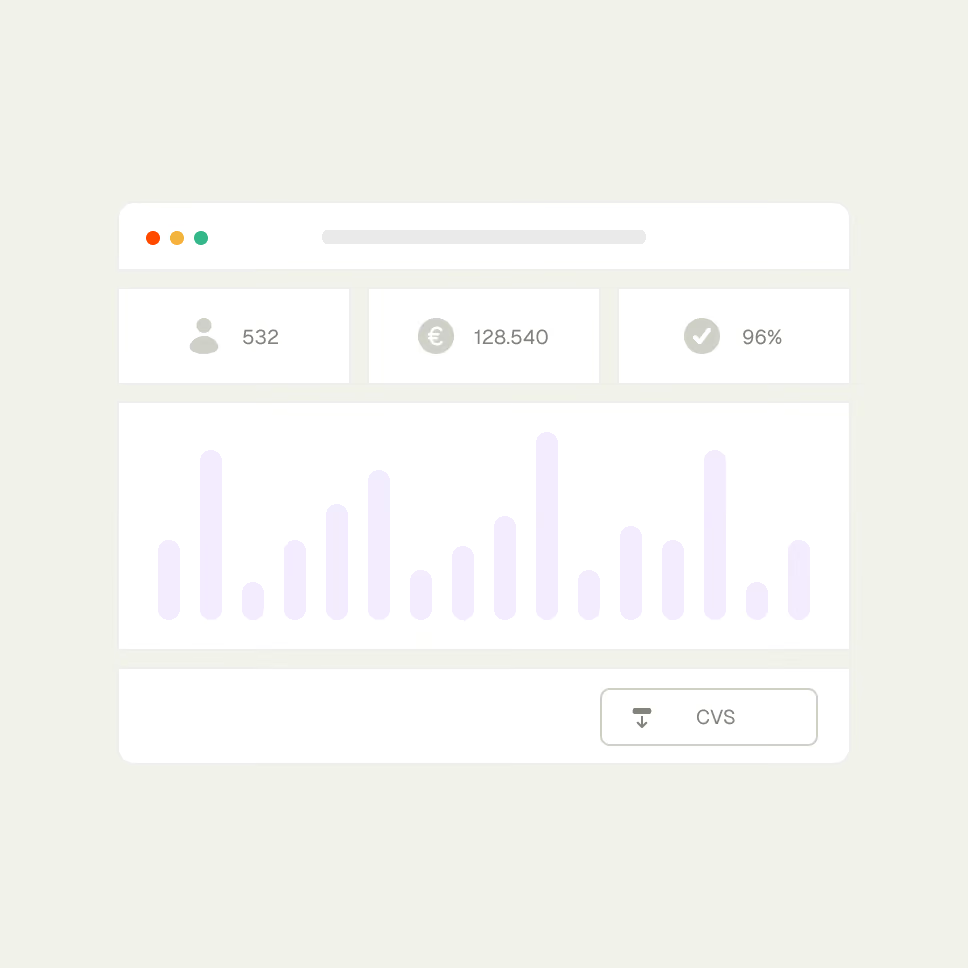
Analyze and export attendee, payment, and attendance data – providing a reliable foundation for follow-up and your next event.
Carry over for the next training session

Carry over for the next training session

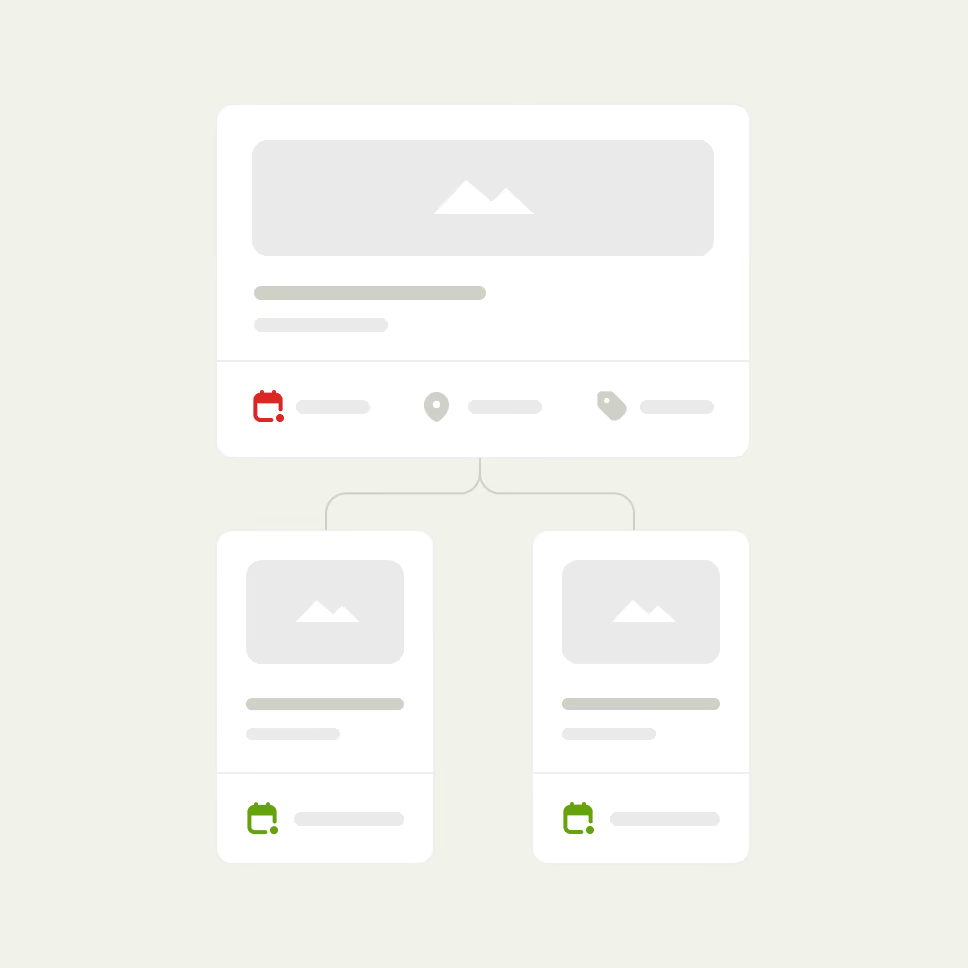
Adopt structures and attendee databases by copying an existing event – your next training session won't start from scratch.