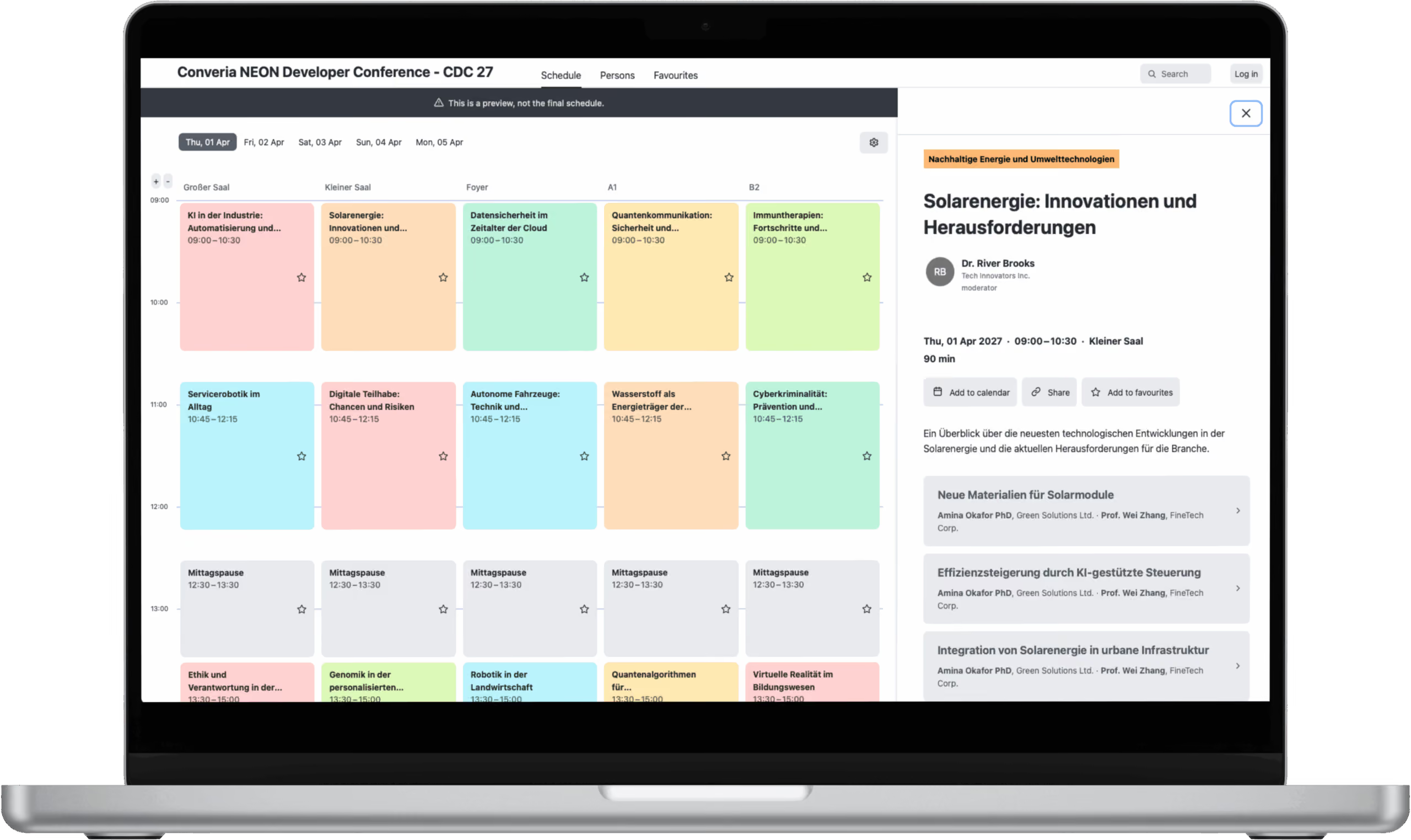
Setting up a tweetwall is not exactly hardship. You only have to choose a suitable tool, enter your conference’s hashtag and project the result onto the wall.
The tools are diverse, ranging from minimalist walls to sophisticated ones. It’s up to you to choose which one to use. However it’s best to check some of them out beforehand. The blogger Eric Stoller compiled a little list of Twitter wall tools that could be a good starting point for you.
Once the wall is set up, everyone’s invited to join the discussion on all things happening at your conference. Distance doesn’t matter any longer. Even people who can’t be present are able to chime in via Twitter.
Useful additional information, practical tips or suggestions – you’ll find quite a few things on the wall as the conference goes along.
But what if there’s a sudden outburst of laughter during a paper presentation caused by a funny tweet? What if spammers are suddenly hijacking the hashtag in order to eliminate the relevant posts? Particularly the latter is not uncommon, sadly.
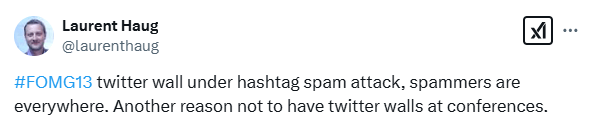
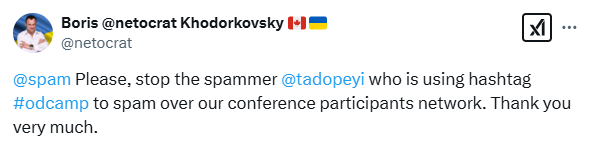
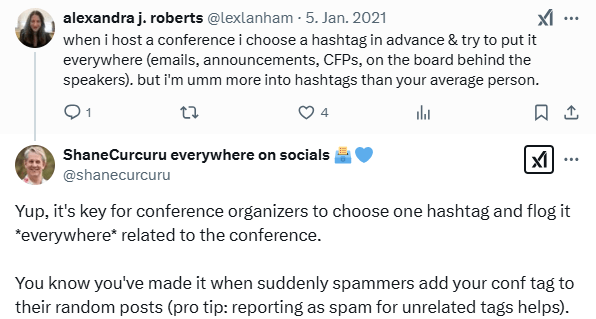
When something like that happens, it’s nearly impossible for the speaker to get the audience’s attention back on track. The researcher Danah Boyd tells about such an incident on her blog. Her speech turned into a personal disaster when she wasn’t able to interpret the audience’s reactions that were caused by a Twitter wall behind her.
In order to prevent that sort of scenario from happening at your conference, we’d like to provide you with a few tips for a successful tweetwall experience:
1. Moderate your Twitter Wall.
A moderated wall lets you gain full control over the tweets that are displayed.
Tweets that don’t make a contribution to the discussion are being filtered and hence won’t appear on the wall. By using the respective functions, the moderator can either weed out the tweets that should be banned from the wall or single out those who should make it to the wall. Whichever option you choose, the result is the same: A moderated twitter wall looks less cluttered.
⚠️Caution: Free tools often don’t come with a moderation feature. That’s why it’s important to check them out beforehand!
A moderated wall also fulfills its actual purpose for the conference participants much better: to make the conference more lively through additional contributions and to allow the audience to actively participate.
2. Communicate Guidelines to all Participants.
Before the conference starts, you might want to lay down some ground rules for communicating via the wall. For instance, you can point out that you appreciate a respectful tone.
Insulting and discriminatory tweets won’t be displayed on the Twitter wall. Same goes for all those who plan to use it as an advertising platform.
💻Inform all attendees about these guidelines. You can put the rules on your website, along with the official conference hashtag.
3. Make sure that the Twitter Wall is visible for everyone.
If there’s only one wall on the podium located at the back of the speakers or panelists, it will hardly serve its purpose. No one wants to constantly turn around while giving a talk to watch out for new tweets.
🖥️A more favorable method would be to set up additional screens on the stage. That makes it easier for your speakers to follow what’s happening on the wall. As an alternative, you can also place the tweetwall on a sidewall.
4. Use the Wall sparingly.
Using a Twitter wall always involves the risk that the audience focuses more on the tweets than the actual presentation.
When the wall is prominently located in the room, everyone’s gaze automatically shifts to it. And when your wall is permanently present, it’s also quite likely that you demand too much of the audience. They’re supposed to follow what’s happening on stage while reading incoming tweets while tweeting. That’s a bit much to ask for, isn’t it?
Since individual speakers usually prepare their presentations elaborately, it would be a shame if they didn’t get the attention they deserved. Therefore, it’s a good idea to go without a Twitter wall during individual presentations. If you like, you can bring it in at the end to display questions from the audience.
Setting up a tweetwall at panel discussions and workshops on the other hand is particularly worthwhile: Tweets can provide the attendees with helpful input in real time throughout the course of the entire session.
ℹ️Always inform the speakers about the tweetwall in advance, so they’ll be able to adjust to it.
Besides, it’s possible to use a Twitter wall as a decorative element in the foyer or the lounge area.
Moderating the tweets isn’t strictly necessary.
5. Create a Social Wall.
Perhaps not everyone attending your conference has a Twitter account. And perhaps impressions from your conference are posted somewhere else as well. But perhaps you should consider combining both.
Make some space for the non-tweeters. A lot of tools support all kinds of other social platforms like Facebook, Instagram or Flickr as well.
📱But please keep in mind: Always make sure about what each tool has to offer and which platforms are popular among your conference attendees.