1. What tasks should the conference software cover?
It should include everything that plays a role in your conference. Are you currently using multiple tools for different tasks? Registration, abstract submission, mailings, attendee lists? Then you are familiar with the biggest problem this creates: you end up maintaining data in two or three different places. Changes lead to chaos, and far too much work has to be done manually.
Good conference software integrates all processes:
- Registration and attendee management
- Abstract submission
- Paper management including peer review
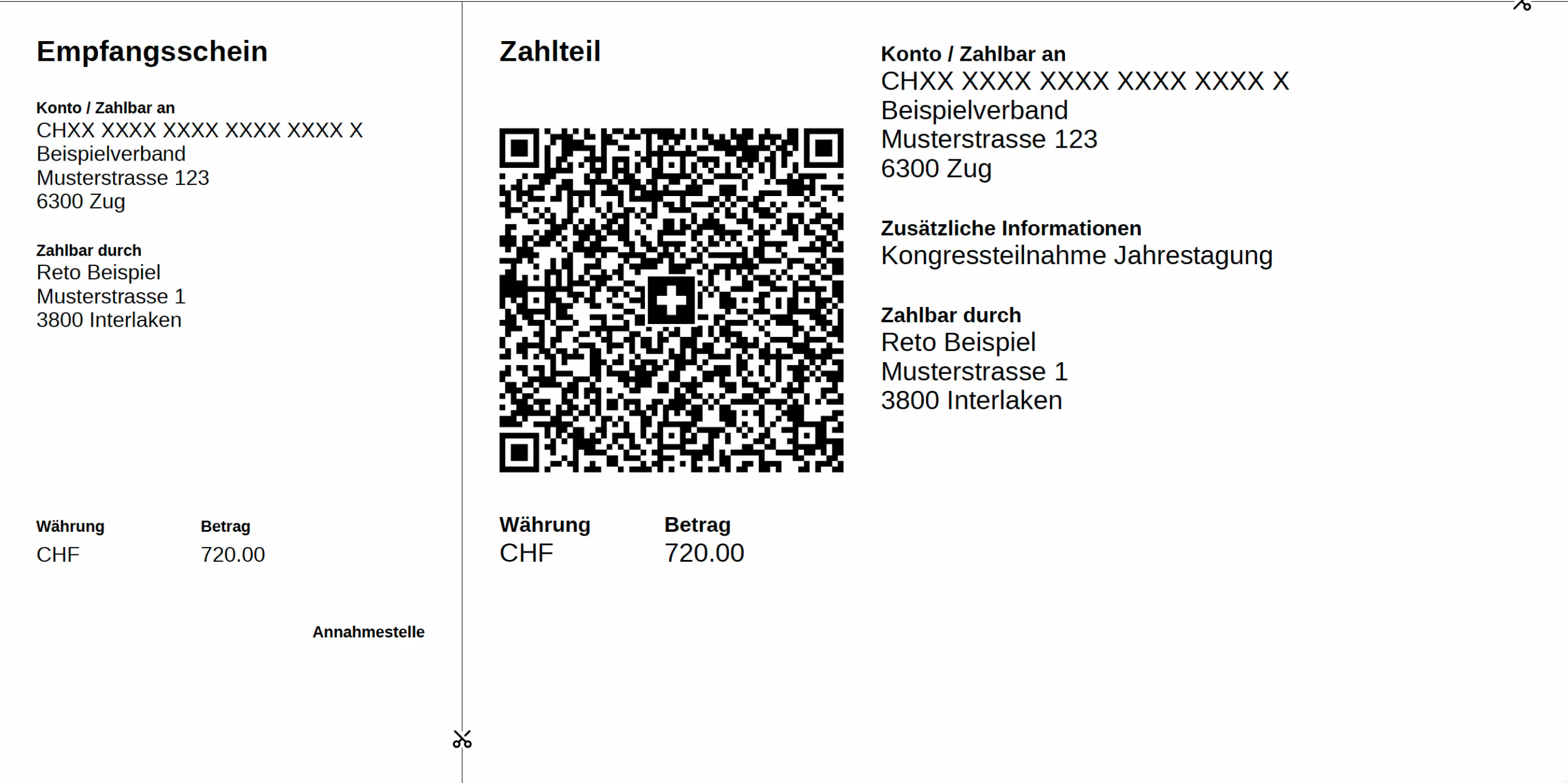
- Invoicing and registration fees
- Communication and mailings
- Program planning
If the conference software covers all of this, you will stay on top of things. No more Excel spreadsheets or data reconciliation via copy-paste.
👉 Tip: Choose a solution that supports you in all processes. The more you can map within a single system, the less effort you will have. Does it cover everything from registration and fees to the program? Then that is your match. From registration and participation fees to the program, everything is included? Then that is your match.
2. How flexible is the conference software?
Today, attendees want to handle many things themselves. And they want to do it around the clock. Flexible conference software offers them exactly that. After registering, they have access to their personal area, where they can download all important documents at any time. This includes booking confirmations, invoices, and certificates of attendance.
For you, this means significantly less work. The software automatically generates invoices and booking documents. You will no longer receive support requests because documents have been lost. The more digital and autonomous the processes, the more time you have to focus on the content of the event.
And flexibility also means that the software is mobile-friendly. Nowadays, more people access websites via mobile devices than desktop computers. More than half of all visits come from mobile devices.
📱More and more registrations are coming in via smartphone. Responsive registration pages are therefore not an optional extra for a conference, but a necessity. Ensure that the conference website looks just as good on tablets and phones as it does on desktop devices.
3. Are there interfaces to other systems?
Software alone does not make a complete conference. When you export personal data or update member lists, other tools come into play. Think, for example, of your accounting system, your payment service providers, your CRM, or your membership directory.
Good conference software can be connected to your accounting or CRM system. This allows conference data to flow seamlessly between them.
Important here:
- open interfaces for incoming payments or personal data (e.g., REST API)
- direct data export and import from other systems
- single sign-on for users
⚙️Things are getting a bit technical now. Don't worry! It's not rocket science, but it is important for a successful conference.
Simply put, a REST API ensures that different programs can exchange data with each other. One program can, for example, query or read data from another program, or even enter information there. However, this is only possible within the limits of the previously agreed "rules of the game" (the API documentation).
A CRM (Customer Relationship Management) is software that helps manage all of an organization's important contacts. In one place, clearly organized and easily accessible. Many companies use such a system to manage their customers. More information and a detailed explanation here.
If several colleagues are working with the software, they can use their internal account for the conference software via single sign-on. This way, no one has to create and remember a new password. You are likely already familiar with single sign-on from instances where you don't need to create a new account for a piece of software, but can simply use your Google account, for example.
If the software lacks integrations, you become the manual interface. This consumes a vast amount of time and makes it very easy for errors to creep in.
4. How reliable is the support team?
Technical support is crucial for conferences.
The support team must be responsive and knowledgeable to provide immediate assistance when issues arise.
A typical scenario: The conference starts tomorrow, but something in the software seems to be broken. Fast help would be worth its weight in gold right now. But no one is responding to your message for a long time.
Smaller software companies sometimes consist of only a tiny team. If people are sick, on vacation, or simply at capacity, your request will be left sitting. This can become very costly during stressful phases. And it annoys the participants, who in turn become frustrated with the entire conference.
Therefore, it is important to pay attention to how the support is structured:
- Is the team behind the software available on weekdays?
- How quickly do you receive a response that consists of more than just "We have received your request"?
- Are there fixed response times? Perhaps with a premium support option?
➕➕An extra plus point if the provider can answer this question with a yes: Do you have a dedicated contact person who knows your project? Then you won't have to explain everything from scratch with every request.
Good software is a great foundation. But a good support team in the background can be a reliable safety net in critical moments that makes all the difference. A call center cannot provide that.
5. What are the specific requirements of your conference?
Every scientific conference is different. Perhaps you have:
- A multi-stage abstract submission process
- Complex pricing structures, offers, and tickets
- Special booking rules
That sounds like a lot of effort. But that is precisely why the conference software should be able to handle it.
Before you decide on a solution, it is worth looking at the details: How well can the system map your workflows? Can you set your own rules? Or does the software dictate them?
🧐Think early on about which of your workflows are unique. Discuss this openly with the software provider. This way, you will quickly realize whether your requirements are in good hands or if you are just dealing with inflexible, off-the-shelf software.
6. Is the provider experienced?
It is fantastic if a provider has been supporting large conferences for years. Experience makes the difference. Complex abstract processes or multilingual conferences are a challenge. Having someone by your side who knows the ropes makes things much easier.
A good provider does not send out a standard quote. They ask follow-up questions and want to understand what your registration process looks like. And they will also be honest with you if the software and your needs are not a good match.
🔎Take a look at who the provider has worked with before. Are there genuine testimonials or case studies? Does the website mention at least a few conferences or meetings that are similar in size to yours or come from a similar field? Great. Because those who are transparent about who they work with usually have nothing to hide.
7. Where should your conference software be hosted?
Not every team can or wants to host conference software themselves. Many providers operate their software externally (SaaS). This is a convenient option.
SaaS explained simply:
The provider makes the conference software available to you directly via a browser. Your IT department doesn't need to install anything in your data center. To use the application, you simply log in.
This means you don't have to worry about updates either. They are handled automatically. In return, you typically pay a monthly fee. This is also a practical solution for small conference teams that don't have their own data center.
8. How well is your conference data protected?
Participant data requires a high level of protection. That is why it is important to take a close look at how the conference software handles this information. GDPR compliance? This isn't just a "nice-to-have"—it's an absolute requirement. After all, you don't want to have to explain later why your participants' data ended up on a server overseas.
⚠️Important: ALWAYS ensure that your participants' data is stored in a secure environment. ISO-certified data centers, GDPR compliance, etc.—a reputable provider can easily explain what they do to protect conference data.
🔐They should also be able to tell you where specific data is stored and how it is processed. Make sure to get this in writing. Another important point: you should be able to control when data is deleted yourself. This ensures that no more information is stored than is strictly necessary.
9. Are you planning one conference or several?
This determines which pricing model is the best fit for you.
For a single event, a flexible solution is usually the best choice. You only pay for what you actually use. For example, per registered attendee, per submitted abstract, or a fixed monthly fee. This is fair, transparent, and ideal for one-off conferences.
If you have several conferences coming up throughout the year, a framework agreement might be more cost-effective. We generally recommend this for about three events or more to make it worthwhile. It becomes more economical in the long run. Once the software is set up, it is ready to go for all subsequent events.
🪄Are your events similar to one another? Ask if you can create copies of your conferences within the software. This saves you from having to set everything up from scratch every time, which saves a huge amount of time.
10. How much does conference software cost?
Never let the price of the software be your only guide. More importantly: what are you getting for your money? Good support and reliable software come at a price.
The additional costs can usually be recouped quickly, for example through registration fees. If everything runs smoothly and the event goes off without a hitch, no one will complain.
Very important: ensure that the provider is transparent regarding their pricing structure:
- What is included in the price? Ask for a detailed breakdown.
- Do services like support, updates, or hosting cost extra?
- Are there framework agreements available for multiple conferences per year?
Whether it's a one-off conference or a recurring annual major event: the most important thing is that the software fits your requirements, not the other way around.
Always compare different offers. What are you getting for your money? When you know what you need, you will recognize much faster which software is truly the right fit for you.
Conclusion: The right conference software brings calm to your daily routine
A good solution not only supports you with attendee registration but also simplifies communication, the management of important data, and team collaboration.
Keep these points in mind when making your selection:
- Save time: Automated processes take tedious routine tasks off your hands.
- Avoid errors: Keeping data synchronized prevents misunderstandings.
- Support attendees: Clear registration and communication channels ensure a great experience and fewer support questions.
- Stay flexible: The software adapts to your conference, not the other way around.
- Keep track of everything: From invitations to feedback forms, the entire process remains transparent.
👉 The better the software fits your conference requirements, the more relaxed the organization process will be.
Curious? Here are three ways you can move forward now:
- 🎯Test conference software yourself
See what your conference could look like in Converia—from the perspective of both attendees and organizers. - 🔎Is Converia the right fit for your events?
Some questions are best answered through direct conversation. A short chat (approx. 30 minutes) can clarify the most important points. - ✅Feature check
The Converia feature overview shows you everything that is possible.