What is a poster session?
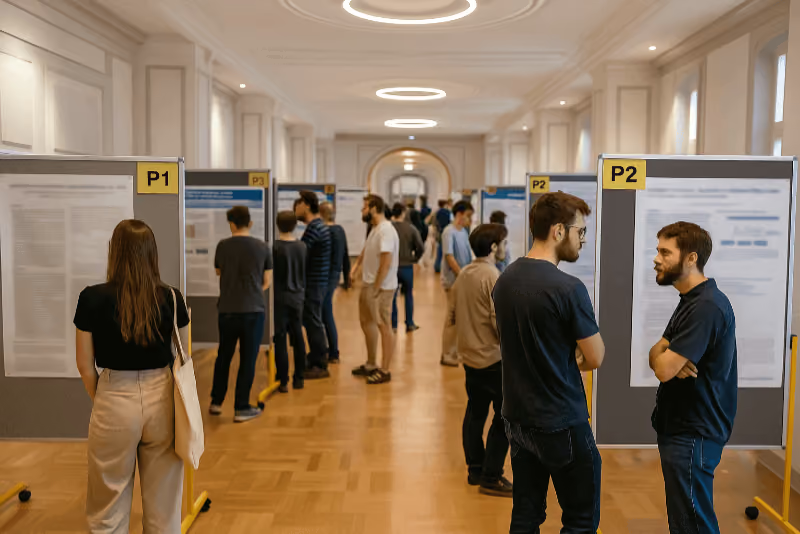
A poster session is a special type of presentation at conferences in which researchers present their work on large-format posters (usually DIN A0). If the technical resources allow, poster displays on specially installed screens are also a space-saving way to make many posters easily accessible to participants.
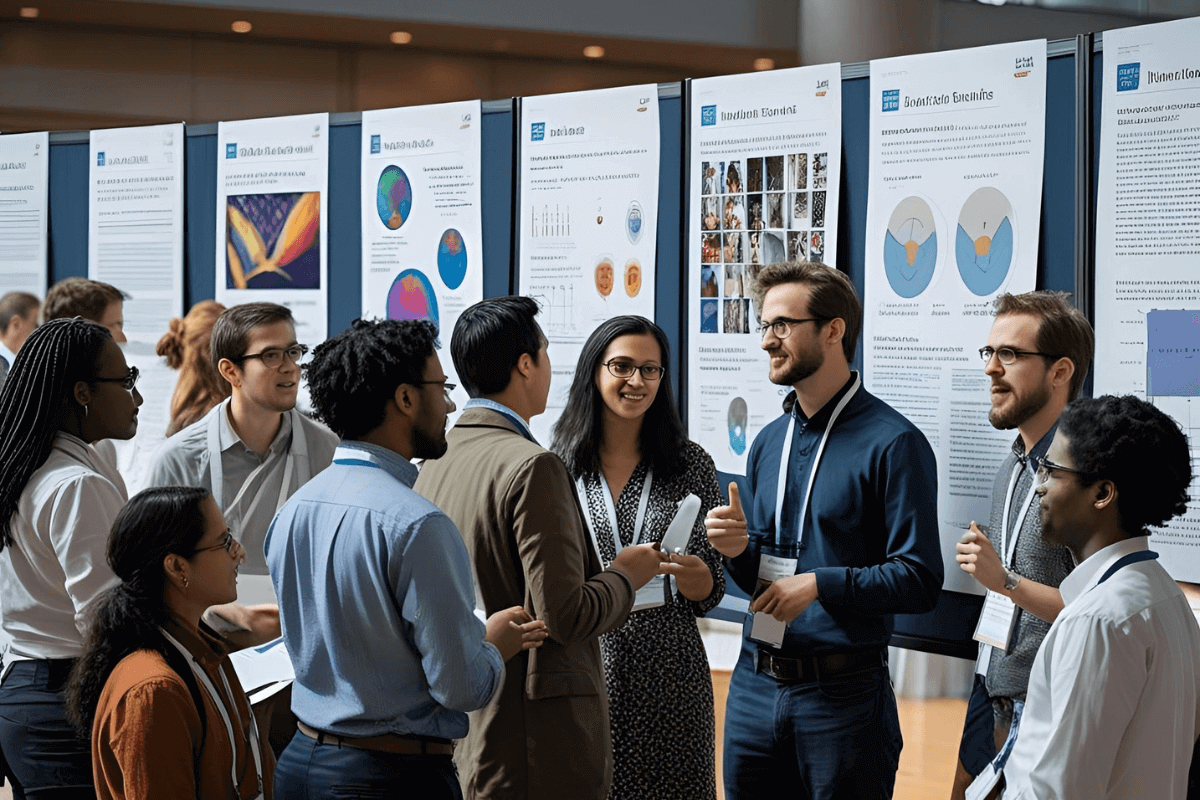
These posters are displayed in a designated area. The authors are usually available during the session to answer questions. Unlike traditional presentations, the poster session facilitates a direct exchange between the presenters and the audience.
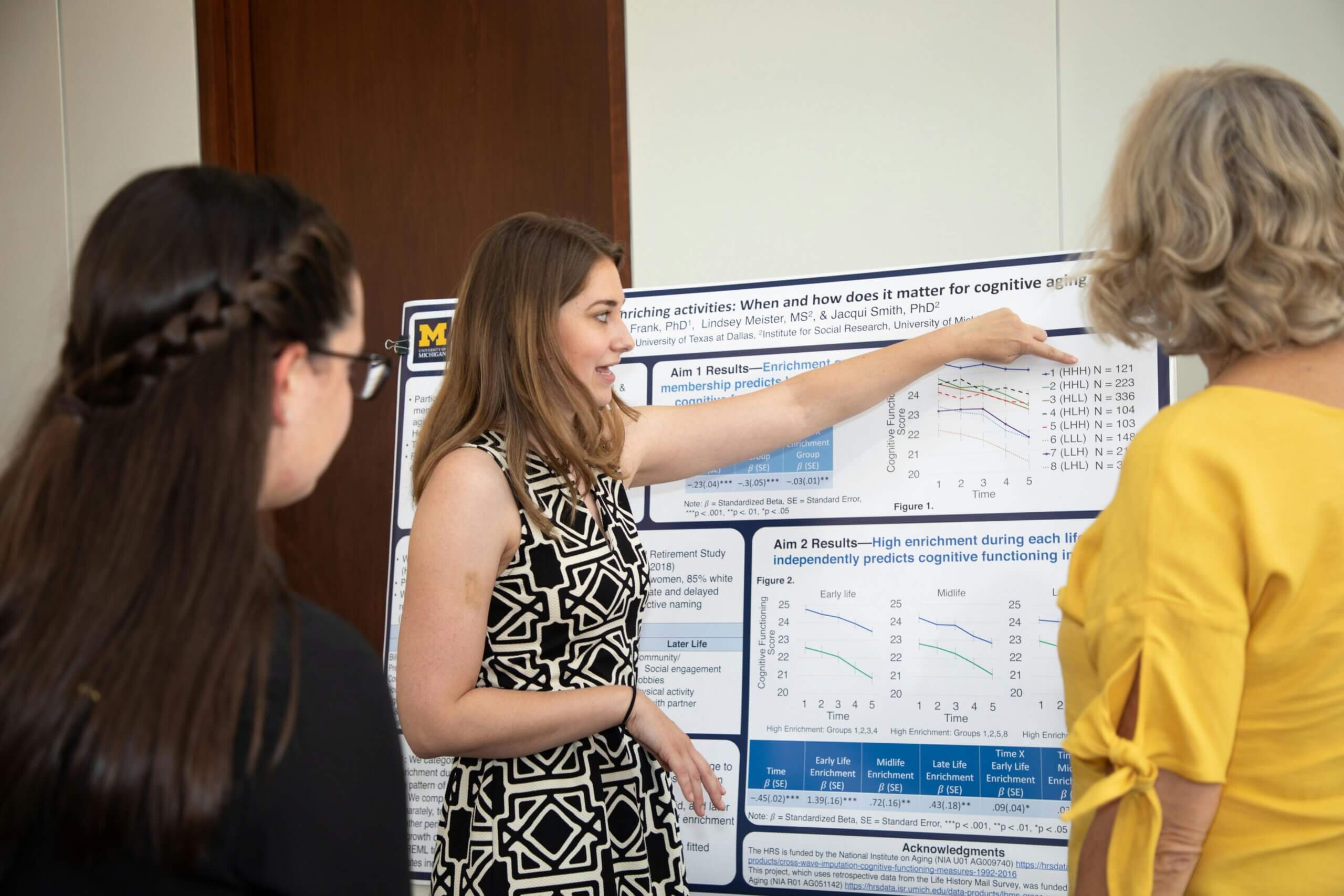
Poster sessions are ideal for visually presenting complex data. Data, graphs, and tables can be visualized clearly on the poster, allowing attendees to engage with the topic at their own pace. As an interactive format, a poster session also promotes networking among participants.
These advantages make a poster session a success
- Direct feedback and interactive exchange: Presenters receive direct feedback from fellow experts. They engage in personal exchanges with participants.
- Networking: The poster session offers an ideal platform for making contacts and exchanging professional insights.
- Clear presentation: Complex topics can be presented on posters in a visual and understandable way. Presenters practice tailoring content to a specific audience and putting themselves in the shoes of the conference attendees (in German).
- Diversity of presentations: Parallel sessions allow more research findings to be presented simultaneously.
Tips: How to Make Your Poster Presentation Research Highlight
As an organizer, you have a major influence on the success of a poster session. Here are some key points to consider when planning and running one:
1. The Right Location
Choose an easily accessible and sufficiently large room with good lighting. Make sure there is enough space between the posters so that participants can move around freely and view the presentations at their leisure. A separate area with standing tables and seating encourages interaction.
👉Important considerations for the venue:
- Easy access
- Plenty of space
- Good lighting
2. Clear guidelines for poster design
Establish clear guidelines for poster design. These include, for example, the format, the font and font size, and the use of logos and colors. A consistent design ensures a professional overall look and makes it easier for participants to navigate the posters.
Don’t restrict the authors too much with too many guidelines. It’s okay to offer tips, but implementation shouldn’t be mandatory. Ultimately, the authors still know best how to present their research findings on a poster (in German).
The University of Bremen has compiled a helpful PDF guide on designing scientific posters (in German).
Prof. Dr. Jennifer Schmidt also provides excellent tips for creating posters in her video, which you can share with your poster authors:
👉Important information for participants:
- What format should we use?
- Are there any layout guidelines?
- Which logos should be included on the poster?
- Are there any good examples to use as a guide?
3. A well-organized presentation
Ensure that the poster session follows a structured schedule. All posters should be hung up on time. At the start, all participants should be at their stations. A schedule with clear start and end times helps everyone plan their time effectively.
👉Important for a smooth process:
- Set aside time for setup
- Provide setup materials (fasteners for posters, etc.)
- Communicate presentation times
4. Interactive Elements
Increase participant engagement through interactive elements. For example, you could conduct a poster evaluation or organize a Q&A session with the presenters. Poster walks and the use of social media also help expand the reach of the poster session.
👉Organizing interactive poster sessions:
- Awarding poster prizes (perhaps as part of a poster slam, in German)
- Q&A session with authors
- Accepting questions via social media
5. Refreshments and Networking
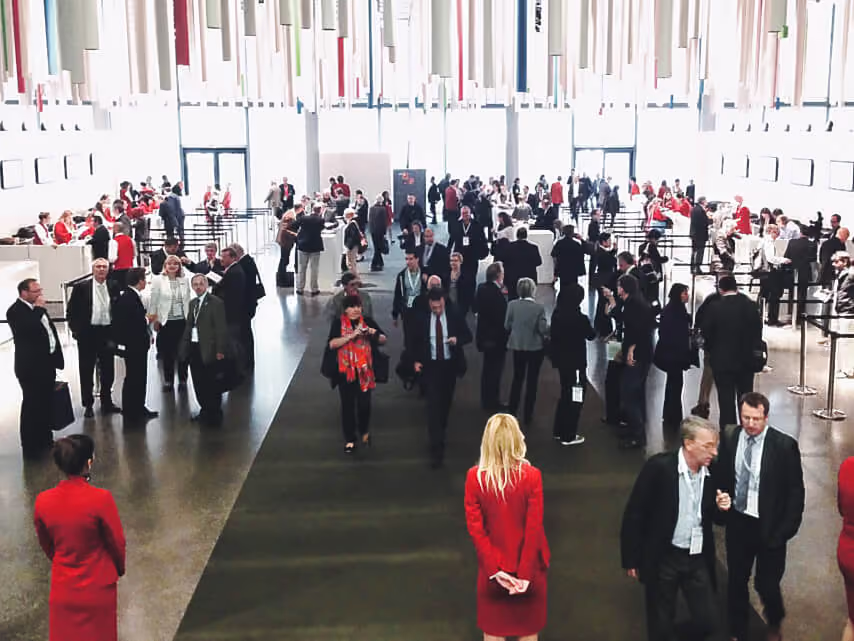
A small selection of refreshments, such as coffee, tea, and snacks, helps create a pleasant atmosphere. Take this opportunity to organize a networking event afterward. There, participants can exchange ideas and make new connections.
👉Encourage networking:
- Provide snacks
- Set up bar tables
- Create a lounge area for mingling
💡Tip: For more practical advice, check out our article “7 Tips for Poster Sessions at Conferences”.
Poster Sessions at Virtual and Hybrid Conferences
Even in the age of virtual and hybrid conferences, poster sessions still have their place. With the right tools and strategies, the interactive nature of poster sessions can be effectively replicated online.
🧑💻You can also host poster presentations online:
- Virtual poster galleries: upload function, Q&A feature, and comments
- Live presentations: via video conference or livestream
- Virtual networking: in small groups in breakout rooms
Virtual poster galleries: Create a digital poster gallery. Authors upload their posters and perhaps even present them digitally. Participants view the posters online, ask questions, and provide feedback (source in German). This happens asynchronously. Compared to traditional in-person events, this method allows for significantly more and more sustainable feedback to be gathered over a longer period.
Live presentations: Presenters showcase their posters online and answer questions directly. Use video conferencing tools to create an interactive and engaging presentation. Alternatively, live streams are also an option.
Virtual networking events: Offer virtual networking events where participants can exchange ideas online and make new contacts. Breakout rooms or virtual lounges allow for smaller discussion groups
What are the dos and don'ts for a successful poster presentation?
Checklist: Planning a Poster Session
Use this checklist to make sure you don't forget anything when organizing your poster session:
✅Define the goal: Should the poster session impart knowledge, promote networking, or present new projects?
✅Plan your budget: Include costs for location, technology, catering, printing and, if necessary, a virtual platform.
✅ Determine the format: Should the poster session take place on-site or digitally?
✅ Choose a location: Bright rooms with good lighting, sufficient space and barrier-free access are important.
✅ Set a date and schedule: Plan sufficient time for networking, questions, and of course, breaks. Inform the authors when it's their turn.
✅Create design guidelines: Communicate format, font sizes, and layout specifications clearly and with sufficient lead time to the authors.
✅ Organize the technology: Test poster boards, screens, Wi-Fi, and, if applicable, the video conferencing tool or stream in advance! If virtual: Ensure that everyone has access.
✅ Submitting and scheduling contributions: Set deadlines and inform the authors in good time so that they can create their posters before the conference.
✅ Plan interactive elements: Decide which elements you want to include. Also, release information about poster prices, live voting, and social media activities a little in advance.
✅ Offer feedback options: Create a survey for poster authors and participants.
✅ Results analysis: Evaluate the level of interest in the poster session and use the feedback for future poster sessions.
If you would like to know more about poster sessions, you can find👉7 tips for poster sessions at conferences here.
FAQ – Frequently Asked Questions about the Poster Session
What is the difference between a poster session and a presentation?
In a presentation, a person presents their findings. A poster session involves a direct exchange between the presenter and interested participants. Participants can view the posters at their own pace and ask specific questions.
How do I design an appealing poster for my poster session?
Ensure a clear structure. Use informative graphics and tables and formulate your key points concisely. Avoid long blocks of text and ensure good readability.
What are the advantages of a virtual poster session?
A virtual poster session allows you to reach a wider audience. No one needs to travel or be physically present. Furthermore, you can use elements such as live chats and video conferences to encourage interaction among participants.
How can I ensure that my poster session is accessible?
Ensure the room is easily accessible, well -lit, and the text is legible. Offer alternative formats such as audio descriptions or Braille posters so that everyone can follow the presentations.
What specifications should I specify regarding poster size and format?
The standard size for scientific posters is usually DIN A0 (84.1 × 118.9 cm). Clear specifications regarding the maximum size and orientation (portrait or landscape) are helpful for the authors. Portrait format is most practical at conferences, as it saves space on poster boards. Communicate the dimensions and orientation early to ensure smooth layout and printing.
What is the best way to communicate requirements and deadlines to poster authors?
The best way to do this is as an easily accessible document on the conference website or directly via email. Reminders are also important: immediately after the poster is accepted, shortly before the submission deadline, and before the event. Also, explain to the authors what will happen if they miss a deadline.
How can posters be arranged effectively in a room?
Plan for sufficiently wide aisles and enough space between posters so that visitors are not crowded. Thematic groupings make it easier for visitors to find their way around. Number all posters and provide an overview map. Please do not place posters at the entrance. This disrupts the flow of visitors.
How does Converia support the planning of a poster session?
Professional conference management software like Converia can help you organize and conduct a successful poster session.
Converia can help you with this:
- Abstract Management: You manage the submission, review, and selection of poster contributions.
- Participant management: Registration and administration of participants and registrations for the poster session.
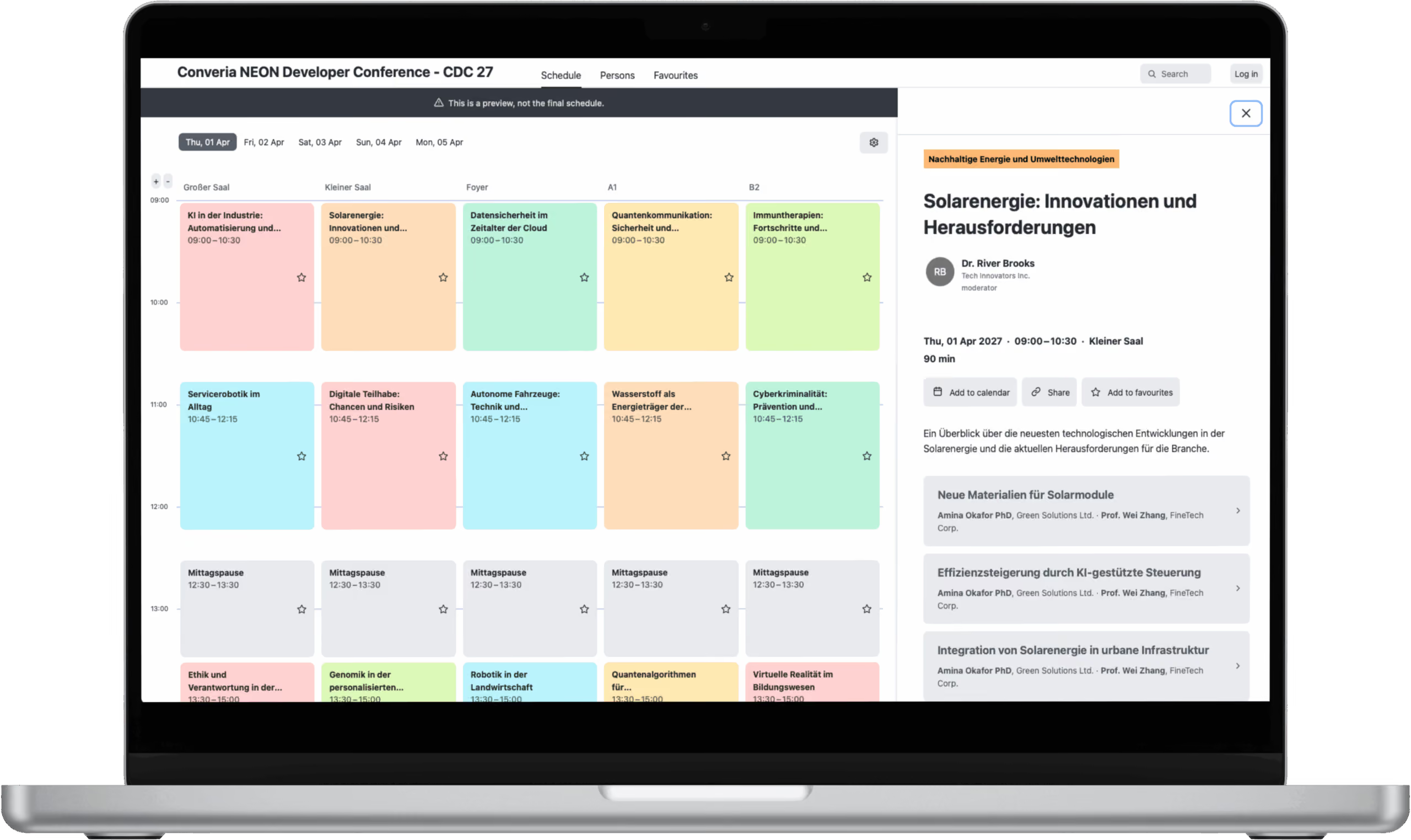
- Program plan: From the accepted submissions, you will create a complete program including the poster sessions.
- Poster gallery: Creation of a virtual poster gallery where participants can upload and present their posters.
- Communication: Inform participants directly via email about all important information. Additionally, send poster authors targeted emails with all the necessary information to prepare for the poster session.