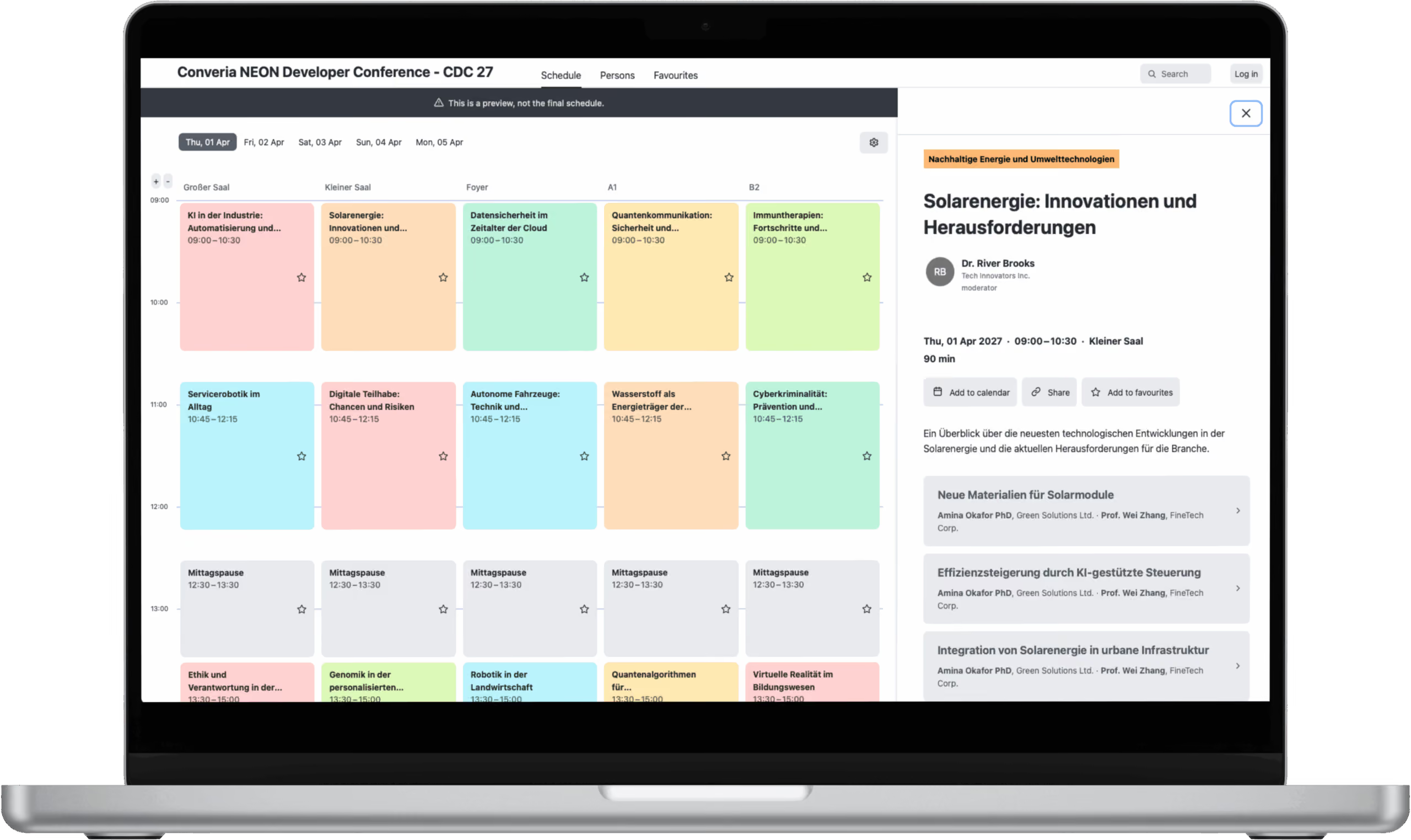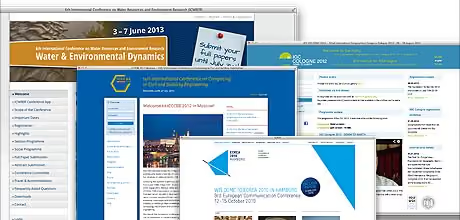
The Front Page - Your Conference Website's Poster Child
1. Display Important Data (Deadlines) Easily Visible
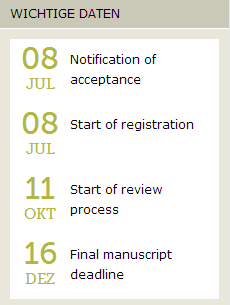
When does registration close? What is the latest you can buy early bird tickets? Don’t forget to provide important deadlines. Keep the overview up to date when dates are being deferred. Position the most important dates easily visible on the front page of your conference website.
2. Present Your Conference with a Video
A few-minute long presentation video offers lots of possibilities to capture the attention of interested parties. Present the topic, the organizers, and the conference location. Use the power of images to overcome mental and geographical distances. Get closer and help people identify with your event.
Watch the following conference trailers to get an idea of how that could work:
IGC 2012:
ICWRER 2013:
https://player.vimeo.com/video/61121449
3. Social Media
If social media plays a major part in your concept, you might at least link to the profiles you’re using (e.g. Facebook, Google+, Twitter). Incorporate news into your conference website.
4. Backers and Partners
Keep some space on your website available for your backers’ and partners’ presentations, which of course will be appreciated. Link to their websites as well.
5. Make the Essential Registration and Submission Processes Available on Your Website
Whether registration, abstract submission, or reviewing – all of these processes should take place online and hence be incorporated into your conference website. That’s comfortable and coherent for the attendees and saves you a lot of effort in regards to managing registrations or abstracts. A conference management software like Converia affords the opportunity to create all registration processes as well as the conference website seamlessly.
Registration and Attendance
6. Introducing the Conference Location (Photos, Conference Rooms, Technical Equipment)
Introduce the conference location. Your attendees might want to get an idea of where their journey is going to take them. Describe where the location is situated: Is it centrally or rather remotely located? How can one get there (local public transport, train, car, plane)? Attendees will also be interested to learn how to get from the conference to their accommodations. Refer to the accessibility as well as technological conditions such as the availability of Wi-Fi.

7. Information for Conference Attendees
International attendees will need information before they can actually attend the conference:
- airports and their attainability
- visa system and requirements for invitation letters
- information from the foreign office
- information on climate and weather during the conference period
Don’t forget to refer to the conference location’s cultural and social peculiarities such as local habits, taxi fares, tipping rules, different kinds of restaurants and their distribution, currency, acceptance of credit cards, and local public transport. If you can’t provide that information, refer to other websites like TripAdvisor, yelp or Guide Michelin for French-speaking attendees.
8. Overnight Accommodation
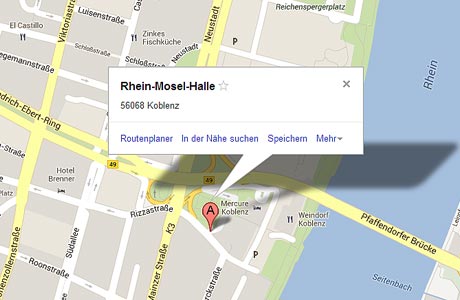
The majority of the attendees will come from outside the local area. It is therefore absolutely necessary to provide them with an overview of all hotels and rates. Special conditions for conference attendees are favorable. Especially in places of touristic interests you might want to suggest that it’s better to book hotel rooms well in advance. Optionally, you can also integrate Google Maps and mark the conference location as well as all accommodations. This will allow users to directly plan the route via your conference website.
9. Explaining Registration
Registering for a conference can be quite complex. You should explain, therefore, what the user can expect. A step-by-step guide can prove helpful and should contain explanations for the following:
- available methods of payment
- prices
- offered member/student/etc. discounts, and for whom they are applicable
- periods of discount phases (e.g. early bird)
10. Reviews and Impressions
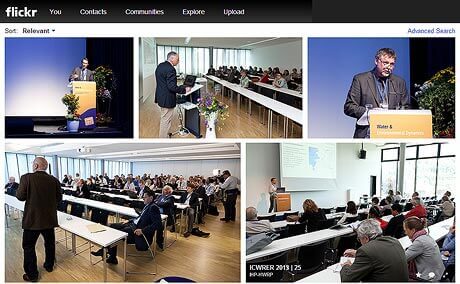
Tell the curious about how your previous conferences were going. Tell them what it was like and what there was to experience. Show it! A video of the conference would be the final touch. Here’s another tip: Use a social photo platform like Flickr or Picasa to upload your pictures. This also enables attendees to contribute their own photos.
Your scientific program
11. Guidelines for Abstracts and Manuscripts
Set rules and guidelines for submitted abstracts and make them public. This saves both you and the submitters a great amount of work and trouble. Provide sample and template documents. Moreover, you might want to offer information on the exact procedure of the abstract submission process.
12. Introducing the Conference Committee
Your committee will consist of well-known people in your field. Use this as a marketing factor for your conference and advertise your organizers’ reputation.
13. Conference Program as PDF File and Interactive Overview on Your Website
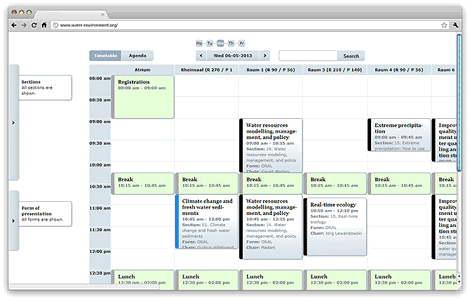
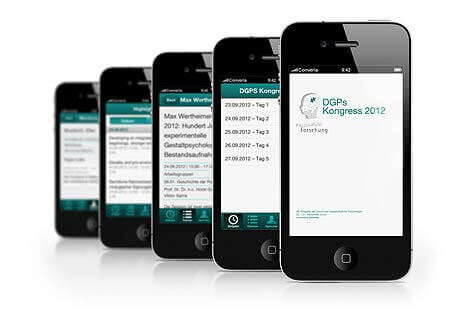
It’s worthwhile to upload the (finalized) conference program both as a PDF file and in form of an interactive planner to your conference website. Converia offers a component that lets you easily create an interactive session plan. Many of the attendees will print it in order to highlight their preferred sessions and also to make notes. In addition, the PDF is particularly well-suited for smartphones and tablets. Due to the fact that the Converia mobile app is being specially adapted for your conference you can provide essential information and inform the attendees at all times about changes in the program.
Our Final Tip
14. Frequently Asked Questions?
Never assume that your conference website is completed! Until your conference actually takes place you’ll get asked numerous and usually similar questions. Reply to meaningful frequently asked questions on your website. Creating an extra FAQ segment is less recommended. Though being the most comfortable way for you as the organizer, a FAQ makes it difficult for the attendees to get all the important information needed on a particular topic at a glance. Hence it’s best to include each answer to frequently asked questions into a suitable section on your conference website.